

Onerecovery
ONERECOVERY Photo Restoration is an AI-powered image repair tool bundled with ONERECOVERY data recovery software that automatically restores, enhances, and colorizes damaged, blurry, or black-and-white photos for Windows and Mac users.
Onerecovery is image & design software teams evaluate for image & design. Use this page to review pricing, integration signals, and the best alternatives before you commit.
Profile facts come from the vendor source. AiMatch labels unknown pricing or API details instead of estimating them.
Review official source →Used in These Packs
Quick Overview
Best for: Image & Design
What it does
Image & Design software for decision-makers comparing workflow fit and alternatives.
Best fit
Image & Design
Pricing snapshot
Free
Next step
Compare Onerecovery with similar tools before you shortlist it.
Compare this tool before you shortlist it
Review alternatives, pricing posture, and workflow fit side by side.
ONERECOVERY Photo Restoration is an AI-driven feature of the ONERECOVERY data recovery suite that automatically repairs, enhances, and colorizes damaged, blurry, or black-and-white photos. It is offered for Windows and Mac users as part of the ONERECOVERY product family and is presented as an easy-to-use, automated workflow: upload images, let the AI analyze and repair them, then preview and download results. The page emphasizes privacy (uploaded images are deleted from the server after 24 hours), a high success rate, and post-sale support.
ONERECOVERY Photo Restoration is an AI-powered image repair tool bundled with ONERECOVERY data recovery software that automatically restores, enhances, and colorizes damaged, blurry, or black-and-white photos for Windows and Mac users.
Own this listing?
Claim this page for a one-time $29 to add pricing, features, screenshots, verified owner details, and a clearly labeled 30-day category position after the profile is live.
Claim this listing for $29Key Features
AI Recognition & Analysis
Advanced AI algorithms recognize and analyze photo details to identify imperfections while preserving intact parts.
Adaptive Repairing Method
Processing is customized based on the characteristics of each photo rather than using fixed templates.
User-Friendly Automated Processing
All editing tasks are automated so users can restore photos without manual intervention.
Repair Various Damage Types
Repairs scratches, dust, tears, creases, stains, blurriness, overexposure, underexposure, and other common issues.
AI Face & Photo Enhancement
Identifies facial features to enhance clarity and restore hidden details to higher resolution before colorization.
Auto-Colorize Black & White Photos
Automatic colorization algorithms add realistic colors to grayscale photos based on learned color patterns.
Wide Format Support
Supports many image formats including JPG, PNG, RAW variants (SRW, CRW, RAF, CR2, DNG), TIFF, SVG, HEIC and more.
Free Repair & Preview
Allows users to repair images for free and preview enhanced results before saving.
Privacy Protection
Uploaded pictures are deleted from the server within 24 hours to protect user privacy.
Pricing
Free Repair and Preview: users can repair images for free and preview the enhanced photo before saving.
Use Cases
Restore old family photos
Automatically remove scratches, dust, creases and colorize black-and-white photos to revive nostalgic images.
Repair corrupted or damaged digital images
Recover and enhance corrupted, pixelated, overexposed, underexposed or blurry digital photos.
Photographer workflow enhancement
Amateur and professional photographers can use the tool to enhance and restore photos stored on drives or backups.
Quick previews before saving
Use free preview to compare restored outputs and download the most satisfactory result.
Integrations
No verified integration details are available.
Benefits
Limitations
No verified limitations are available.
Frequently Asked Questions
What is ONERECOVERY AI Photo Restoration?
How do I use this tool to restore and repair my photos?
How long does photo restoration take?
Can this tool handle various types of damage, such as torn or creased photos?
How do I digitally repair old photos?
Will my original photo be safe?
Getting Started
- 1 Step 1: Download and install ONERECOVERY (or launch the app) and sign in if needed.
- 2 Step 2: Upload the photo(s) you want to restore to the Photo Restoration feature.
- 3 Step 3: Let the AI perform automatic analysis and repair, then preview and download the restored image.
Support
Docs / Knowledge Base
Knowledge Base and Help & FAQs pages available on the ONERECOVERY site.
Contact / Support
Contact Us and after-sale support are offered; the site references excellent after-sale services.
Blog
Product blog and guides available for additional information and tutorials.
API
Compare Onerecovery with similar tools
See how it stacks up against alternatives
Related Tools
View all 386 →

Aiimageeditor
AIImageEditor is a free, browser-based suite of AI-powered photo tools for tasks like background removal, watermark removal, text replacement, image enhancement, upscaling, object removal, style transfer, and more — designed for individual and commercial use with one-click workflows.

Aistickergenerator
Aistickergenerator is a free web-based tool that uses advanced AI models to generate stickers from uploaded images or text descriptions, offering lossless downloads and no signup required.
Imgunblur
ImgUnblur is a browser-based AI image unblur and enhancement tool that restores clarity to blurry photos using deep learning. It offers instant processing, batch unblur for up to 30 images, privacy protections, and a free-to-start experience with optional paid credits.

Styldod
Styldod provides decision-grade visual and media workflows that turn home photos into actionable outcomes for real estate, renovation planning, and enterprise listing workflows via self-serve ReimagineHome, expert-delivered services, and an embeddable Smart Media Module.
Consistent Character AI
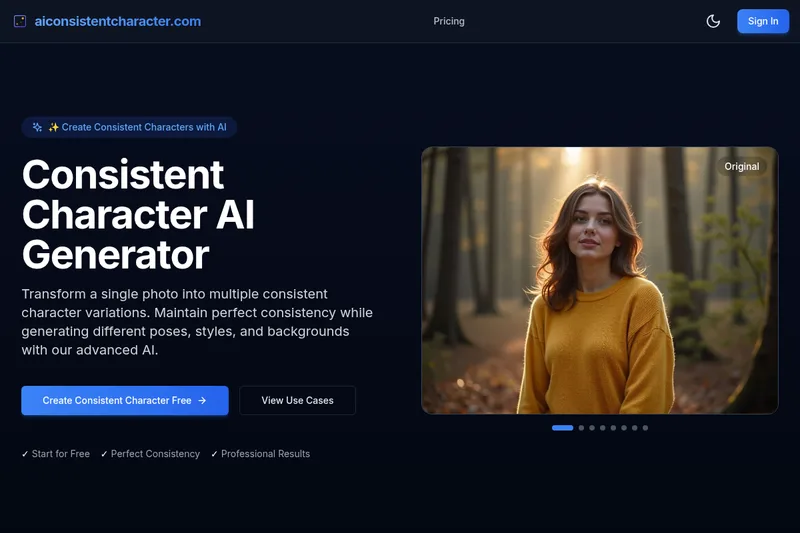
Consistent Character AI is a web-based generator that transforms a single photo into multiple consistent character variations (poses, styles, backgrounds) with identity preservation and tools for animation and motion transfer.

Premium Alternatives


DreamPic.AI
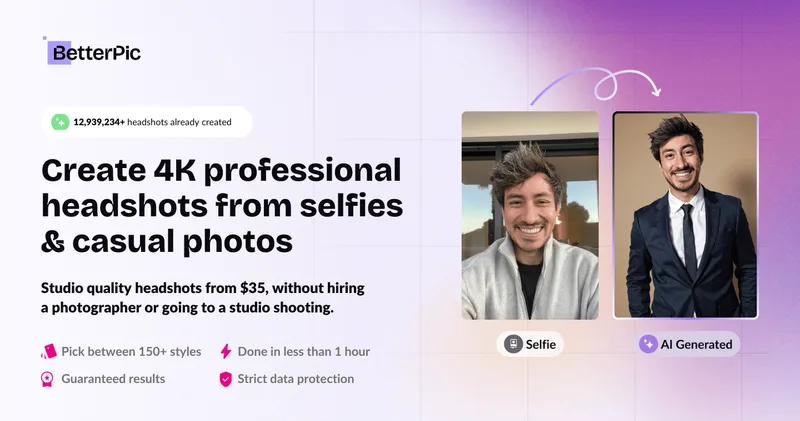
DreamPic.AI is a web service that uses AI (Stable Diffusion + DreamBooth) to train a personalized model from user photos and generate high-resolution, stylized images and avatars of people in hundreds of styles.

RoomAI
RoomAI is a web-based AI room-design tool that restyles real room photos while preserving the room geometry (walls, windows, openings, ceiling height and camera angle). It offers 300+ styles, 20+ room presets, virtual staging and decluttering with fast, full-resolution results for property listings, designers, photographers and homeowners.

Hairstyleai
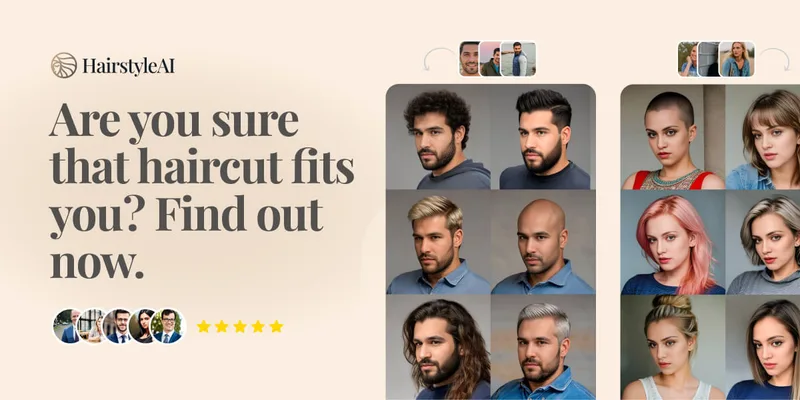
HairstyleAI is a virtual AI hairstyle try-on service (powered by HeadshotPro.com) that lets users preview new haircuts on their photos before committing to a real cut, offering dozens of generated looks and downloadable HD images.

Picture to Text
Picture to Text is an online OCR image-to-text converter that extracts editable text from images, screenshots, PDFs and handwritten notes using advanced OCR technology. It offers free and paid tiers with batch processing, multi-format support, and multi-language extraction.