Capcut
CapCut is an AI-driven photo and video editor (web, desktop, mobile, and tablet) for creating social and marketing content with generators, editors and templates for image/video/audio tasks.
Capcut is video editing software teams evaluate for content & marketing. Use this page to review pricing, integration signals, and the best alternatives before you commit.
Profile facts come from the vendor source. AiMatch labels unknown pricing or API details instead of estimating them.
Review official source →Used in These Packs
Quick Overview
Best for: Content & Marketing
What it does
Video Editing software for decision-makers comparing workflow fit and alternatives.
Best fit
Content & Marketing
Pricing snapshot
Free from Free
Next step
Compare Capcut with similar tools before you shortlist it.
Compare this tool before you shortlist it
Review alternatives, pricing posture, and workflow fit side by side.
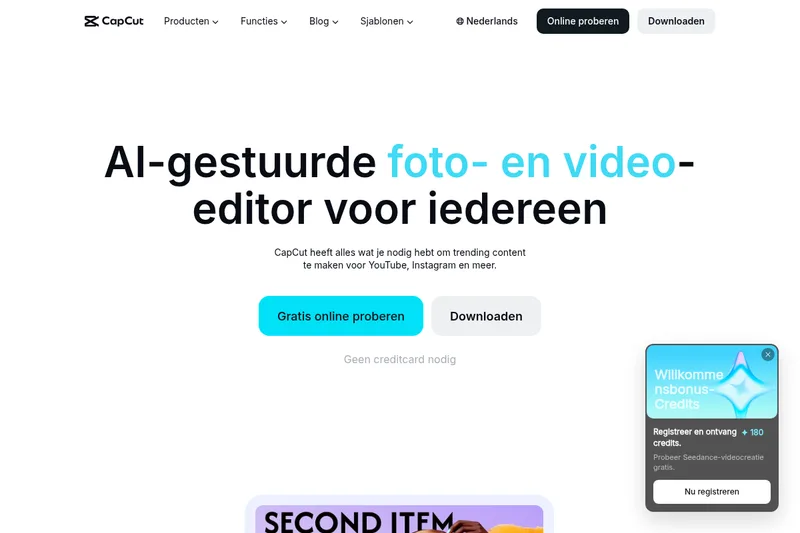
CapCut is an AI-gestuurde foto- en video-editor die online en via apps (desktop, mobile, iPad) beschikbaar is. De dienst richt zich op makers en professionals die content willen produceren voor sociale platforms zoals YouTube, Instagram, TikTok en Reels en biedt een combinatie van AI-generatoren, bewerkingstools en kant-en-klare sjablonen.
De site vermeldt directe toegang zonder creditcard ('Gratis online proberen', 'Downloaden') en benadrukt AI-functionaliteit zoals AI-afbeeldingengenerator, AI-videogenerator, tekst-naar-spraak, automatische ondertitels en achtergrondverwijdering, waarmee gebruikers snel professionele beelden, video's en audio kunnen maken en bewerken.
CapCut is an AI-driven photo and video editor (web, desktop, mobile, and tablet) for creating social and marketing content with generators, editors and templates for image/video/audio tasks.
Own this listing?
Claim this page for a one-time $29 to add pricing, features, screenshots, verified owner details, and a clearly labeled 30-day category position after the profile is live.
Claim this listing for $29Key Features
AI-afbeeldingengenerator
Zet tekst of referentieafbeeldingen om in aangepaste beelden met de online foto-editor.
AI-videogenerator / Video Studio
Genereer video's vanuit tekst, afbeeldingen of keyframes; de AI kan een video opbouwen met stijl en avatars.
Tekst-naar-spraak en spraakgenerator
Zet tekst om in natuurlijk klinkende AI-stemmen voor voice-overs en podcasts.
Automatische ondertitels en spraakherkenning
AI-generator voor automatische ondertitels in meerdere talen voor video's.
Achtergrondverwijdering (afbeelding en video)
Verwijder achtergrond uit afbeeldingen en video's met één klik, zonder watermerk.
Afbeeldingsverbetering en schalen
Verbeter resolutie en kwaliteit van foto's met AI (afbeeldingsverbeteraar, formaat wijzigen).
Basis en geavanceerde video-editing
Online editor voor knippen, inkorten, overgangen, effecten en export van HD-video's.
Audio tools
Audio extraheren uit video, ruis verwijderen en spraak verbeteren via AI.
Sjablonenbibliotheek
Kant-en-klare sjablonen voor Reels, TikTok, sociale media en zakelijke promoties, inclusief AI-effectsjablonen.
Videoconverter en compressie
Gratis online videoconverter (MP4, MOV, AVI) en compressor zonder kwaliteitsverlies.
Pricing
Gratis online proberen en downloaden; website vermeldt 'Geen creditcard nodig' en toont meerdere gratis online tools en exports.
Gratis
Free- Gratis online editor en AI-tools
- Download en gebruik op desktop, mobiel en pad
- Sommige functies en exports zonder watermerk volgens website
Use Cases
Social media creators
Maak en bewerk korte video's en afbeeldingen voor TikTok, Instagram Reels, YouTube Shorts met sjablonen en AI-automatisering.
Marketing en advertenties
Produceer promotievideo's en advertenties met zakelijke sjablonen en export van hoge kwaliteit.
Podcasts en voice-overs
Gebruik tekst-naar-spraak en spraakverbetering voor professionele audio en voice-overs.
E-commerce en productfotografie
Verwijder achtergronden en verbeter beeldkwaliteit voor productafbeeldingen en marketingmateriaal.
Integrations
No verified integration details are available.
Benefits
Limitations
No verified limitations are available.
Frequently Asked Questions
No verified FAQs are available.
Getting Started
- 1 Stap 1: Bezoek de website en kies 'Gratis online proberen' om direct in de browser te bewerken
- 2 Stap 2: Download de CapCut-app (Desktop, Mobiel of Pad) als je lokale bewerking en extra functies wilt
- 3 Stap 3: Kies een sjabloon of begin met AI-generatoren (AI-videogenerator, AI-afbeeldingengenerator, tekst-naar-spraak) en exporteer je project
Support
Docs
'Hulpcentrum' en instructiegidsen op de site voor tutorials en handleidingen
Community
Community- en Creatieve programma's vermeld op de site (CapCut Creatieve Campus, partners, pioniersprogramma)
Trust & legal
'Vertrouwenscentrum', 'Privacybeleid' en 'Gebruiksvoorwaarden' beschikbaar via de site
Press
'Perskamer' vermeld als bron voor bedrijfs- en mediavragen
API
Compare Capcut with similar tools
See how it stacks up against alternatives
Related Tools
View all 23 →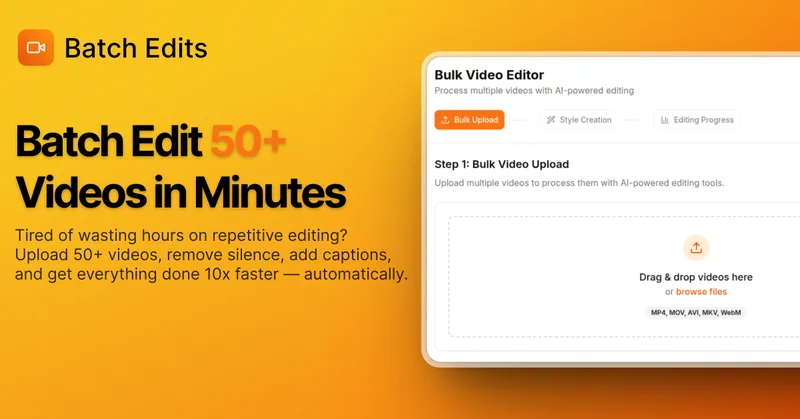
BatchEdits
BatchEdits is a web-based batch AI video editor for content creators that processes up to 50 videos simultaneously to remove silence, add auto-captions in 50+ languages, apply auto-zoom and crop for platform-specific formats, enabling high-volume creators to scale editing work.
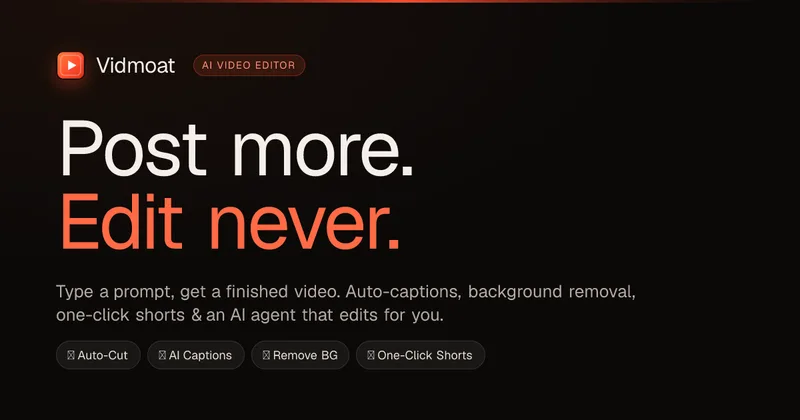
Vidmoat
Vidmoat is an agent-first AI video editor that automates cutting, captions, color grading and multi-format export. Users type a prompt (or connect their own agent) and Vidmoat’s built-in AI or a connected MCP agent produces finished videos ready for TikTok, Reels, Shorts and YouTube.
reap: AI Video Editor
reap is an AI-first video editor that automates turning long videos, webinars, and interviews into clips, animated captions, dubbed audio, and translated subtitles across 100+ languages, with REST API, CLI, and MCP for automation and publishing.

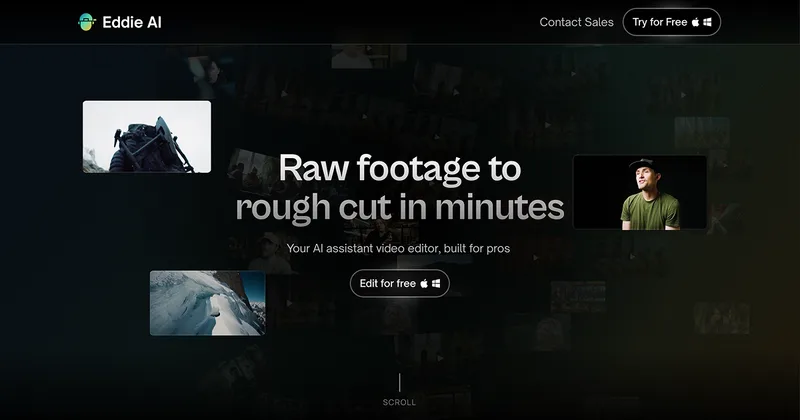
Eddie AI
Eddie AI is an AI assistant video editor that turns raw footage into structured rough cuts from plain-language instructions. It also handles tasks such as footage logging, multicam editing, color grading, captions, and music, with exports to professional NLEs.
Writepanda
PandaStudio (by Writepanda) is a local-first, agent-native video editor for macOS and Windows that records screen/camera/podcasts and uses on-device transcription and user-provided AI accounts to automate editing, captions, and publishing. It is sold as a one-time license with lifetime updates.
autoagentx
AutoAgentX is an AI-powered video editor focused on improving short-form clips by creating stronger hooks, cleaner subtitles, and tighter pacing to increase retention for creators and teams.

Premium Alternatives
Tella
Tella is an all-in-one screen recorder and video editor that captures screen, camera, microphone and system audio on Mac, Windows or in the browser, and provides editing, AI-assisted cleanup, hosting, analytics, and team collaboration for sharing or exporting videos up to 4K.
Eddie AI
Eddie AI is an AI assistant video editor that turns raw footage into structured rough cuts from plain-language instructions. It also handles tasks such as footage logging, multicam editing, color grading, captions, and music, with exports to professional NLEs.