Vidmoat
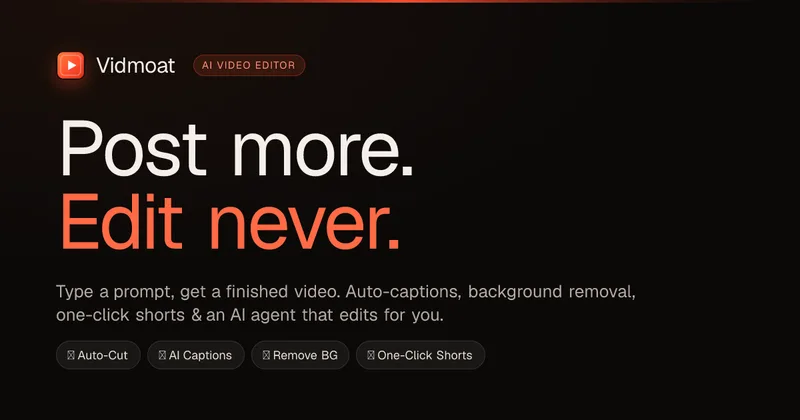
Vidmoat is an agent-first AI video editor that automates cutting, captions, color grading and multi-format export. Users type a prompt (or connect their own agent) and Vidmoat’s built-in AI or a connected MCP agent produces finished videos ready for TikTok, Reels, Shorts and YouTube.
Vidmoat is video editing software teams evaluate for video editing. Use this page to review pricing, integration signals, and the best alternatives before you commit.
Profile facts come from the vendor source. AiMatch labels unknown pricing or API details instead of estimating them.
Review official source →Used in These Packs
Quick Overview
Best for: Video Editing
What it does
Video Editing software for decision-makers comparing workflow fit and alternatives.
Best fit
Video Editing
Pricing snapshot
Freemium from $0 forever
Next step
Compare Vidmoat with similar tools before you shortlist it.
Compare this tool before you shortlist it
Review alternatives, pricing posture, and workflow fit side by side.
Vidmoat is an agent-first video editor designed to automate the editing workflow: users type natural-language instructions (or connect external agents) and the system cuts footage, applies captions, grades color, matches B-roll and renders finished videos optimized for social platforms. It is positioned for individual creators and teams: a free Hobby tier is available for testing, a Creator tier for frequent posters, and a Studio tier for teams with API/MCP access and priority renders.
The product supports web and desktop apps, a Telegram/WhatsApp bot for editing from mobile, and an MCP (Model Context Protocol) server so you can connect third-party or custom agents like Claude or Cursor to drive timeline edits programmatically.
Vidmoat is an AI video editor with an agent that reads your footage, cuts the dead air, writes captions, removes backgrounds, and ships shorts to every platform — from one prompt.
Own this listing?
Claim this page for a one-time $29 to add pricing, features, screenshots, verified owner details, and a clearly labeled 30-day category position after the profile is live.
Claim this listing for $29Key Features
Agent-first editing (Moat AI)
Edit by prompt: the Moat AI console reads footage, plans multi-step edits, applies cuts, captions, color grades and renders finished videos without manual timeline operation.
Auto-Cut
Automatically scans footage to find good takes, remove silences and produce a rough cut quickly while keeping every cut editable.
Word-level auto-captions & Karaoke
Auto-captions with word-level sync and karaoke-style captions that light up as words are spoken.
Model Context Protocol (MCP) server / BYO agent
Connect external agents (Claude, Cursor, etc.) via MCP so agents can import footage, run 65+ timeline commands, preview frames and render MP4s programmatically.
One-Click Shorts & Auto-Reframe
Create multiple vertical shorts and platform-specific formats from a single edit; auto-reframes to 9:16, 1:1 and 16:9.
Mobile chat editing (Telegram & WhatsApp)
Send clips to @VidmoatBot with a caption instruction and receive a finished video back in chat; same commands, plans and credits as the web editor.
Comprehensive editing toolset
Beat-sync markers, speed ramps, transitions, masks, color grades & LUTs, stabilization, green-screen/chroma key, audio EQ/restore, auto-ducking and more.
Scripting, REST API & integrations
Scripting for edit macros, REST API for programmatic use, and integration compatibility with multiple agent clients and developer tools.
Desktop app with large-file support
Desktop app supports editing 10 GB files with 'zero uploads' and high-resolution exports including 4K.
Pricing
Free Hobby tier: 3 projects, auto-cut and captions, 720p exports and a small/tiny watermark (free forever).
Hobby
$0 forever- 3 projects
- Auto-Cut + captions
- 720p exports
- Tiny watermark
Creator
$19/month- Unlimited projects
- Full AI suite
- 4K exports, no watermark
- One-Click Shorts
Studio
$49/month- Everything in Creator
- 8 GB uploads
- Multicam sync
- API + priority renders
Use Cases
Podcasters
Turn long podcast recordings into a full episode plus multiple short clips and karaoke captions quickly — example: 3 hours of recording → 13 posts.
Cooking & short-form creators
Edit multi-camera or single-phone cooking videos into punchy vertical content: the agent can preserve dramatic moments (e.g., a pan catching fire) and produce platform-ready shorts.
Coaches & trainers
Remove background logos, apply green-screen effects, and ship polished multi-platform breakdowns between sessions.
Teams & production workflows
Studio teams can use multicam sync, API access, and MCP-driven agents to automate high-volume content pipelines and priority renders.
Integrations
Claude (Anthropic) / Claude Code / Claude Desktop
Connect via MCP so Claude-based agents can import media, issue timeline commands and render MP4s.
Cursor
Cursor agents can connect over MCP to drive edits programmatically.
OpenAI Agents SDK / Gemini CLI / GitHub Copilot and others
Vidmoat supports any agent with an MCP client — the site lists multiple compatible agents (GitHub Copilot, Gemini CLI, Warp, Zed, Continue, etc.).
Telegram & WhatsApp
Mobile chat integration via @VidmoatBot to submit clips and receive finished renders in chat.
REST API & Developer Docs
REST API keys and developer documentation are available for programmatic access and automation.
Benefits
Limitations
Frequently Asked Questions
Do I need to know how to edit video?
Is the free plan actually usable?
Where does my footage go? Is it private?
What makes this different from CapCut or Premiere?
Can I connect my own AI — Claude, Cursor, custom agents?
Can I cancel anytime?
What can the AI actually do today?
Getting Started
- 1 Step 1: Create an account and choose a plan (Hobby free, Creator, or Studio).
- 2 Step 2: Dump your footage into a project (drag in clips or send via Telegram/WhatsApp to @VidmoatBot).
- 3 Step 3: Type a prompt describing the vibe or edits you want (e.g., 'make this a punchy TikTok') and let the agent edit; tweak in the timeline and export to required formats.
Support
Docs
Developer platform and docs referenced on the site for building on Vidmoat and using the API/MCP (links available from the Developers section).
Chat / Bot
Telegram & WhatsApp integration via @VidmoatBot for sending clips and receiving finished videos; automations can push finished renders here too.
Community
Community channels listed on the site include Discord, X, YouTube and TikTok for product updates and community support.
Support page
A 'Support' link is present in the product navigation on the site for account and billing help.
API
Developer platform & Docs: 'Docs: build on Vidmoat' and references to REST API and MCP server in the Developers section of the site.
Compare Vidmoat with similar tools
See how it stacks up against alternatives
Related Tools
View all 23 →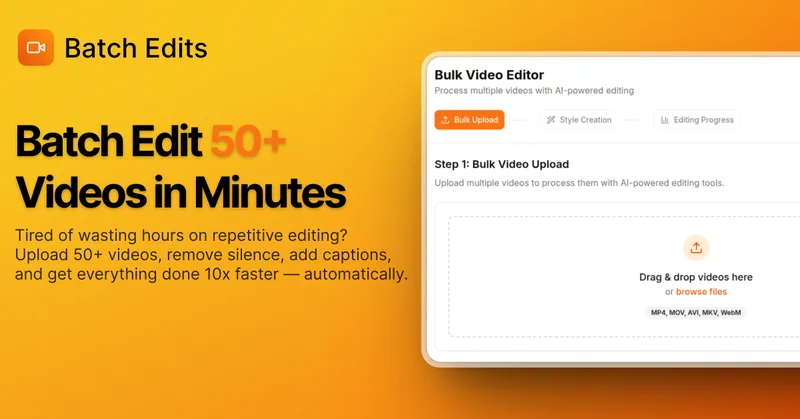
BatchEdits
BatchEdits is a web-based batch AI video editor for content creators that processes up to 50 videos simultaneously to remove silence, add auto-captions in 50+ languages, apply auto-zoom and crop for platform-specific formats, enabling high-volume creators to scale editing work.

reap: AI Video Editor
reap is an AI-first video editor that automates turning long videos, webinars, and interviews into clips, animated captions, dubbed audio, and translated subtitles across 100+ languages, with REST API, CLI, and MCP for automation and publishing.

Choppity
Choppity is an AI-powered video editing platform that automatically turns long-form videos and podcasts into 20–50+ short social clips with automated transcription, captioning, framing, tracking, and one-click posting/scheduling for TikTok, Instagram Reels and YouTube Shorts.
autoagentx
AutoAgentX is an AI-powered video editor focused on improving short-form clips by creating stronger hooks, cleaner subtitles, and tighter pacing to increase retention for creators and teams.
Eddie AI
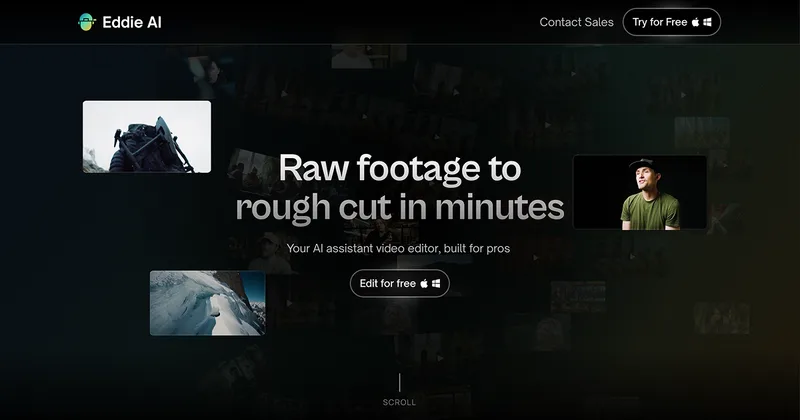
Eddie AI is an AI assistant video editor that turns raw footage into structured rough cuts from plain-language instructions. It also handles tasks such as footage logging, multicam editing, color grading, captions, and music, with exports to professional NLEs.


Writepanda
PandaStudio (by Writepanda) is a local-first, agent-native video editor for macOS and Windows that records screen/camera/podcasts and uses on-device transcription and user-provided AI accounts to automate editing, captions, and publishing. It is sold as a one-time license with lifetime updates.

Premium Alternatives
Eddie AI
Eddie AI is an AI assistant video editor that turns raw footage into structured rough cuts from plain-language instructions. It also handles tasks such as footage logging, multicam editing, color grading, captions, and music, with exports to professional NLEs.
Tella
Tella is an all-in-one screen recorder and video editor that captures screen, camera, microphone and system audio on Mac, Windows or in the browser, and provides editing, AI-assisted cleanup, hosting, analytics, and team collaboration for sharing or exporting videos up to 4K.