Echowave
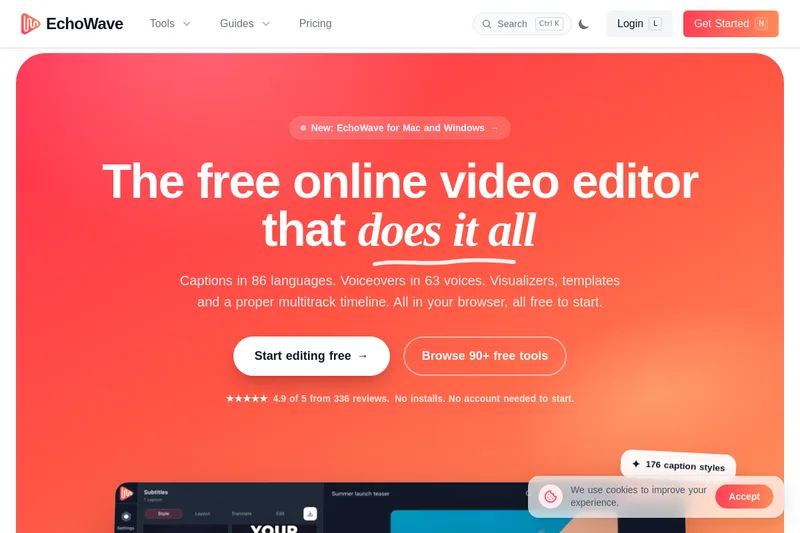
EchoWave is a browser-based online video and audio editor offering captions, AI voices (including voice cloning), visualizers, a multitrack timeline and 90+ single-purpose tools — free to start with paid plans for higher-resolution exports.
Echowave is video editing software teams evaluate for video editing. Use this page to review pricing, integration signals, and the best alternatives before you commit.
Profile facts come from the vendor source. AiMatch labels unknown pricing or API details instead of estimating them.
Review official source →Used in These Packs
Quick Overview
Best for: Video Editing
What it does
Video Editing software for decision-makers comparing workflow fit and alternatives.
Best fit
Video Editing
Pricing snapshot
Freemium from Free forever
Next step
Compare Echowave with similar tools before you shortlist it.
Compare this tool before you shortlist it
Review alternatives, pricing posture, and workflow fit side by side.
EchoWave is a browser-based video and audio editing studio that provides a full multitrack timeline, automatic captions, AI voice generation (including voice cloning), visualizers, and numerous single-purpose tools. It is designed for creators, podcasters, musicians, marketers, and educators who need quick editing, captioning, and export workflows.
The platform runs in modern browsers (no install required) and also offers native Mac and Windows apps. Projects render in the cloud with exports up to 8K and 120 fps; EchoWave offers a free tier that lets users start immediately and paid plans that unlock higher-resolution exports and premium settings.
EchoWave is a browser-based online video and audio editor offering captions, AI voices (including voice cloning), visualizers, a multitrack timeline and 90+ single-purpose tools — free to start with paid plans for higher-resolution exports.
Own this listing?
Claim this page for a one-time $29 to add pricing, features, screenshots, verified owner details, and a clearly labeled 30-day category position after the profile is live.
Claim this listing for $29Key Features
Auto captions & subtitles
Automatic transcription and caption generation with editable text, 176 caption styles, karaoke highlighting, translation into 86 languages, and export as baked-in captions or SRT/VTT files.
AI voices & voice cloning
Text-to-speech studio with 63 AI voices, per-paragraph clips on the timeline, and the ability to clone your own voice for reuse across projects.
Visualizers & motion
Audio visualizers with 93 styles, 126 animations, progress bars and shapes, and 72 keyframeable properties for fine-grained motion control; live frame previewing.
Record & media ingestion
Record screen, camera or microphone directly into the timeline, import files from disk or clipboard, and pull from stock photos and sound effects.
Automation & export
Save projects as templates, batch render variations from CSV, and generate videos programmatically via a REST API / MCP server; cloud rendering up to 8K and 120 fps in multiple formats.
Multitrack timeline & editing tools
A full multitrack timeline with timeline-native AI voice clips, captions-as-doc editing, keyframing, masks, transitions, and common editing tools such as trim, crop, merge and speed control.
90+ single-purpose tools
A suite of quick tools including converters, compressors, GIF maker, audio-to-video, waveform/visualizer creators, and many more one-touch utilities.
Pricing
Free forever: full editor, unlimited projects and videos, 720p exports with a small EchoWave badge; many free tools export without a watermark.
Free
Free forever- Unlimited projects and videos
- Full editor including captions, AI voices and visualizers
- 720p exports with a small EchoWave badge on editor-rendered videos
- Access to 90+ free tools and converters (most export clean files)
Paid plans (Pro / Creator)
Local pricing varies; see site for plans- Higher-resolution exports: 1080p, 1440p, 4K and 8K
- No EchoWave badge on exported videos
- Higher frame rates (24–120 fps) and premium quality settings
- Additional export formats and presets for social platforms
Use Cases
Podcasters
Convert podcast episodes into shareable video clips with captions and audiograms, chop episodes into social clips, and upload to platforms that require video.
Musicians
Create music visualizers, lyric videos, cover-art loops and promotional clips that sync animated visuals to audio tracks.
Short-form creators & social clippers
Slice long-form videos into Shorts, Reels and TikToks with karaoke-style captions and formatting presets for different platforms.
Marketers & teams
Produce on-brand promo videos at scale using templates, CSV batch rendering and the REST API to automate campaign video generation.
Educators
Annotate lessons, add clear AI voiceovers, and create interactive quizzes inside videos for instructional content.
Integrations
REST API / MCP server
Programmatic video generation and automation; used for generating videos at scale and integrating EchoWave into pipelines.
CSV batch rendering
Batch-render many video variations from a CSV of text/image/audio placeholders for campaign automation.
Stock library & Google Fonts
Access stock photos and sound effects and use Google Fonts in captions and text layers (site references stock assets and Google Fonts).
Benefits
Limitations
Frequently Asked Questions
Is EchoWave really free?
Do I need to install anything or create an account?
How do automatic subtitles work?
Can I export in 4K?
Will my video have a watermark?
Does EchoWave work on my device?
Where do my videos render?
Can I automate video creation?
Getting Started
- 1 Step 1: Open the EchoWave editor in your browser (no install or account required) or download the native app for Mac/Windows.
- 2 Step 2: Drop your media into the project (upload files, paste from clipboard, or record screen/camera/mic directly).
- 3 Step 3: Edit using captions, AI voices, visualizers and the multitrack timeline, then export via cloud render or save a template for batch rendering.
Support
Documentation
Documentation and API docs available via links on the EchoWave site.
Contact via [email protected] for support or inquiries.
Support page / Help Center
Site includes a support page and guides; the footer links to Support, Documentation, API and Status.
API
API docs available from the EchoWave site (see the 'API docs' / Documentation link on https://echowave.io/)
Compare Echowave with similar tools
See how it stacks up against alternatives
Related Tools
View all 23 →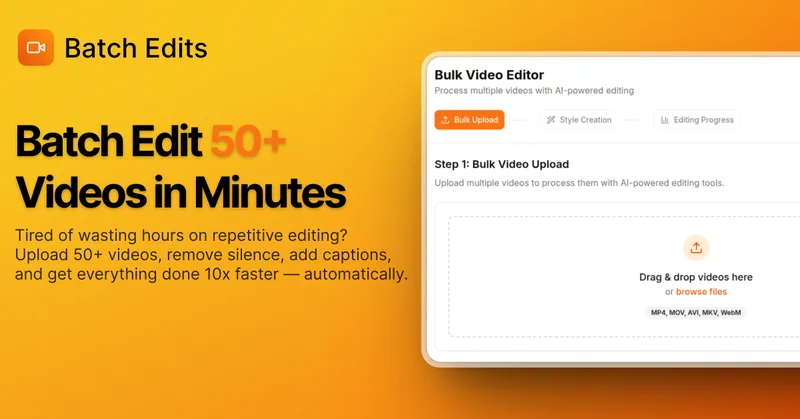
BatchEdits
BatchEdits is a web-based batch AI video editor for content creators that processes up to 50 videos simultaneously to remove silence, add auto-captions in 50+ languages, apply auto-zoom and crop for platform-specific formats, enabling high-volume creators to scale editing work.
Vidmoat
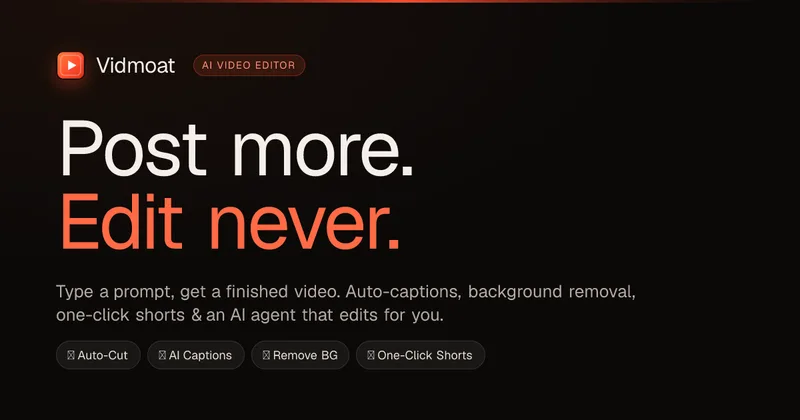
Vidmoat is an agent-first AI video editor that automates cutting, captions, color grading and multi-format export. Users type a prompt (or connect their own agent) and Vidmoat’s built-in AI or a connected MCP agent produces finished videos ready for TikTok, Reels, Shorts and YouTube.

Writepanda
PandaStudio (by Writepanda) is a local-first, agent-native video editor for macOS and Windows that records screen/camera/podcasts and uses on-device transcription and user-provided AI accounts to automate editing, captions, and publishing. It is sold as a one-time license with lifetime updates.
Eddie AI
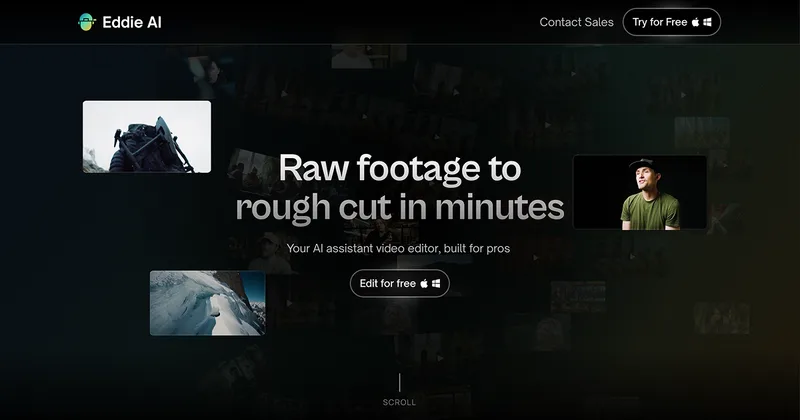
Eddie AI is an AI assistant video editor that turns raw footage into structured rough cuts from plain-language instructions. It also handles tasks such as footage logging, multicam editing, color grading, captions, and music, with exports to professional NLEs.


Submagic
Submagic is an AI-powered video editing platform that automates short-form video creation — from auto-captions and one-click edits to magic clip extraction, scheduling, and team collaboration — aimed at creators, teams, and businesses that need to publish shorts at scale.
autoagentx
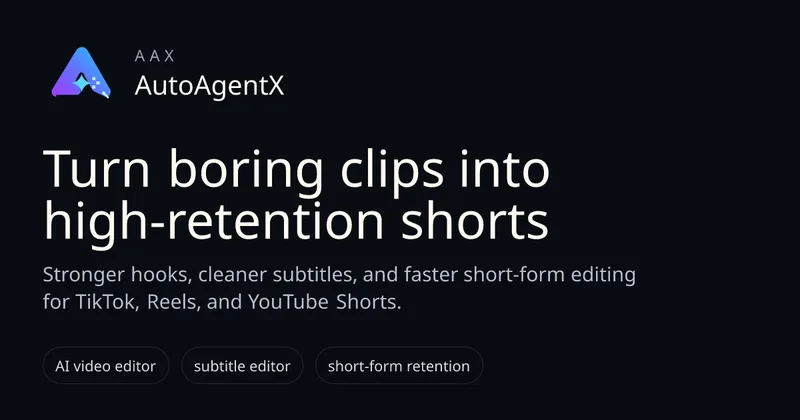
AutoAgentX is an AI-powered video editor focused on improving short-form clips by creating stronger hooks, cleaner subtitles, and tighter pacing to increase retention for creators and teams.

Choppity
Choppity is an AI-powered video editing platform that automatically turns long-form videos and podcasts into 20–50+ short social clips with automated transcription, captioning, framing, tracking, and one-click posting/scheduling for TikTok, Instagram Reels and YouTube Shorts.
Premium Alternatives
Tella
Tella is an all-in-one screen recorder and video editor that captures screen, camera, microphone and system audio on Mac, Windows or in the browser, and provides editing, AI-assisted cleanup, hosting, analytics, and team collaboration for sharing or exporting videos up to 4K.
Eddie AI
Eddie AI is an AI assistant video editor that turns raw footage into structured rough cuts from plain-language instructions. It also handles tasks such as footage logging, multicam editing, color grading, captions, and music, with exports to professional NLEs.