reap: AI Video Editor
reap is an AI-first video editor that automates turning long videos, webinars, and interviews into clips, animated captions, dubbed audio, and translated subtitles across 100+ languages, with REST API, CLI, and MCP for automation and publishing.
reap: AI Video Editor is video editing software teams evaluate for video editing. Use this page to review pricing, integration signals, and the best alternatives before you commit.
Profile facts come from the vendor source. AiMatch labels unknown pricing or API details instead of estimating them.
Review official source →Used in These Packs
AI Business Productivity Tools
View this curated Starter Pack
AI Marketing Tools
View this curated Starter Pack
AI Content Creation Tools
View this curated Starter Pack
AI Analytics & Business Intelligence Tools
View this curated Starter Pack
AI Automation & Workflow Tools
View this curated Starter Pack
AI Video Generation & Editing Tools
View this curated Starter Pack
Quick Overview
Best for: Video Editing
What it does
Video Editing software for decision-makers comparing workflow fit and alternatives.
Best fit
Video Editing
Pricing snapshot
Freemium from Free
Next step
Compare reap: AI Video Editor with similar tools before you shortlist it.
Compare this tool before you shortlist it
Review alternatives, pricing posture, and workflow fit side by side.
reap is an AI video editor designed to repurpose long-form video (webinars, interviews, podcasts) into publish-ready clips, captions, dubbed audio, and translated subtitles at scale. The product emphasizes prompt-first clipping (generate clips by intent or topic), AI-driven multi-signal selection of viral moments, and automated packaging for platforms like TikTok, Reels, YouTube Shorts, LinkedIn, and more. It targets creators, agencies, and developer teams with an API/CLI/MCP production system for automating workflows and multi-language localization.
reap also provides brand templates, team workspaces, auto-reframe, AI B-roll insertion, and scheduling/publishing capabilities so teams can maintain brand consistency and publish across multiple platforms from a single workflow.
reap is an AI video editor that turns long videos into publish-ready, localized clips with animated captions, dubbing, translation, and automation. reap: AI Video Editor is a AI Tool featured on Dang.ai. Learn more about reap: AI Video Editor's AI tool.
Own this listing?
Claim this page for a one-time $29 to add pricing, features, screenshots, verified owner details, and a clearly labeled 30-day category position after the profile is live.
Claim this listing for $29Key Features
AI Clipping (Prompt-First)
Generate clips by intent, topic, hook, or audience angle using prompt-first clipping; multi-signal AI analyzes faces, vocal tone, pauses, and pacing to find high-impact moments.
AI Captions & Subtitles
50+ animated caption styles and automatic transcription with support for captions in 100+ languages including romanized scripts like Hinglish and Romanized Urdu.
AI Dubbing
AI voice dubbing in 80+ languages with voice cloning and natural intonation for language-ready video versions without re-recording.
REST API, CLI & MCP
Programmatic access to clipping, captioning, translation, dubbing, B-roll insertion, brand templates, multi-video merging, and publishing via REST API, CLI, and MCP.
Auto Reframe & Speaker Detection
Auto reframe to 9:16, 1:1, or 16:9 with AI speaker tracking that keeps each speaker centered in vertical formats.
Multi-Video Merge
Combine clips from different sources into a single polished asset, stitching interviews, highlights, and B-roll into one finished video (private beta).
Brand Templates & Team Workspaces
Reusable brand templates (fonts, colors, intros/outros, caption styles), shared workspace, role-based access, and publishing queues for teams and agencies.
Social Publishing & Scheduler
One-click publishing and platform-aware exports for TikTok, Instagram Reels, YouTube Shorts, LinkedIn, Facebook, and X with scheduling and calendar.
AI B-Roll
Automatic insertion of contextually relevant B-roll footage to enhance talking-head content without manual searching.
Audiogram Maker
Tool to turn podcast audio into social video assets (audiograms).
Pricing
Includes 1 hour of AI clipping, 1 hour of captioning, and 720p exports.
Free
Free- 1 hour of AI clipping
- 1 hour of captioning
- 720p exports
Entry Paid
$9.99/month (content states billed yearly for entry paid)- 1080p/4K exports
- API/CLI/MCP access
- Dubbing, translation, brand templates and premium features
Use Cases
Content Repurposing
Turn long videos, webinars, and interviews into multiple optimized social clips with captions and platform-specific formatting.
Localization and Global Distribution
Create region-ready versions with translated subtitles, romanized captions, and AI-dubbed audio in 80+ languages to expand reach across markets.
Agency & Team Production
Automate batch processing of client videos using API/CLI/MCP, shared brand templates, and team workspaces to maintain consistency and speed.
Developer Integration & Automation
Integrate clipping, captioning, dubbing, and publishing into existing stacks and automation tools using the REST API, CLI, or MCP.
Integrations
n8n / Zapier / Make
Automation platforms that can be used to connect reap workflows to other apps.
Claude / ChatGPT
AI assistants mentioned as working with MCP agents to trigger workflows and automation.
Social platforms (TikTok, Instagram Reels, YouTube Shorts, LinkedIn, Facebook, X)
Direct connections to publish clips and manage platform-specific exports and scheduling.
Benefits
Limitations
No verified limitations are available.
Frequently Asked Questions
What does 'content automation' mean in reap?
Which languages does reap support?
What are romanized languages and why do they matter?
What can I automate with the API?
Is reap free?
Getting Started
- 1 Sign up or Get Started for Free on the reap website.
- 2 Upload or connect your long-form video content (webinars, podcasts, interviews).
- 3 Use prompt-first clipping or auto-detect highlights to generate clips and captions.
- 4 Apply brand templates and caption styles, review edits (text-based editing), and add B-roll if desired.
- 5 Publish or schedule clips to social platforms, or automate via REST API / CLI / MCP.
Support
Docs
API Docs and developer documentation referenced on the site.
Help Center
Help Center articles and changelog referenced in the site footer.
Contact Support
Contact Support entry in the site footer for help and account assistance.
API
API Docs (refer to reap website)
Compare reap: AI Video Editor with similar tools
See how it stacks up against alternatives
Related Tools
View all 23 →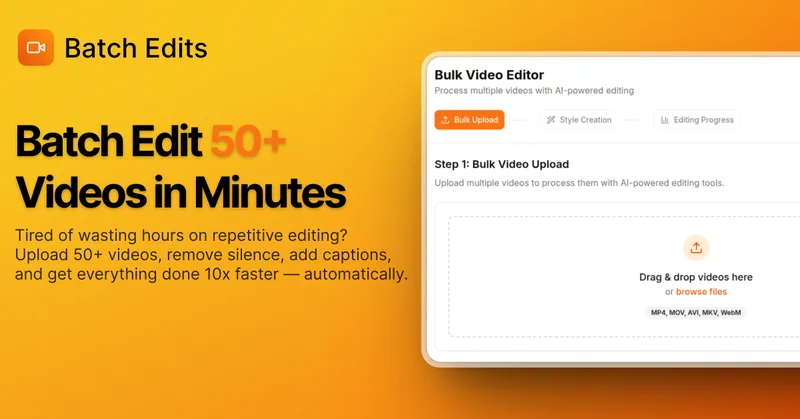
BatchEdits
BatchEdits is a web-based batch AI video editor for content creators that processes up to 50 videos simultaneously to remove silence, add auto-captions in 50+ languages, apply auto-zoom and crop for platform-specific formats, enabling high-volume creators to scale editing work.
Vidmoat
Vidmoat is an agent-first AI video editor that automates cutting, captions, color grading and multi-format export. Users type a prompt (or connect their own agent) and Vidmoat’s built-in AI or a connected MCP agent produces finished videos ready for TikTok, Reels, Shorts and YouTube.
Tella
Tella is an all-in-one screen recorder and video editor that captures screen, camera, microphone and system audio on Mac, Windows or in the browser, and provides editing, AI-assisted cleanup, hosting, analytics, and team collaboration for sharing or exporting videos up to 4K.


Vizard
Vizard is an AI-first video editing and clipping platform that automatically converts long-form videos into social-ready short clips (TikTok, Instagram Reels, YouTube Shorts) and provides an editor, team workspace, and automation to scale content production for creators, marketers, coaches and agencies.

Choppity
Choppity is an AI-powered video editing platform that automatically turns long-form videos and podcasts into 20–50+ short social clips with automated transcription, captioning, framing, tracking, and one-click posting/scheduling for TikTok, Instagram Reels and YouTube Shorts.
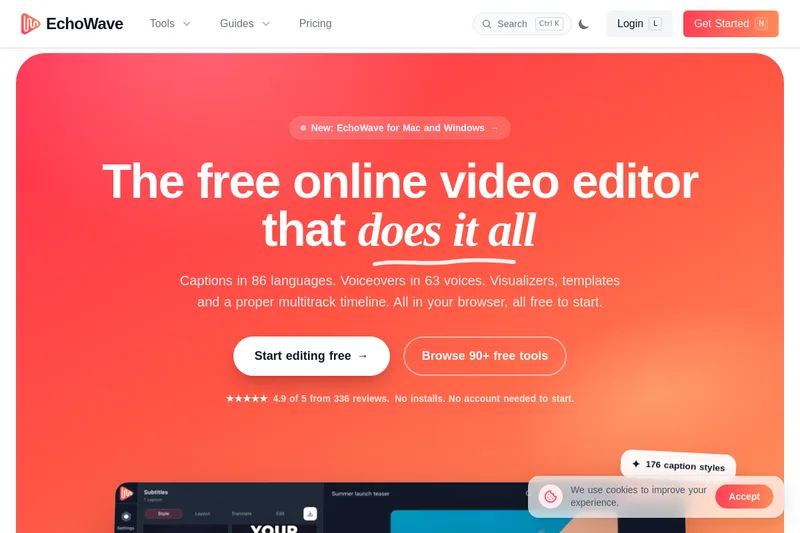

Premium Alternatives
Tella
Tella is an all-in-one screen recorder and video editor that captures screen, camera, microphone and system audio on Mac, Windows or in the browser, and provides editing, AI-assisted cleanup, hosting, analytics, and team collaboration for sharing or exporting videos up to 4K.
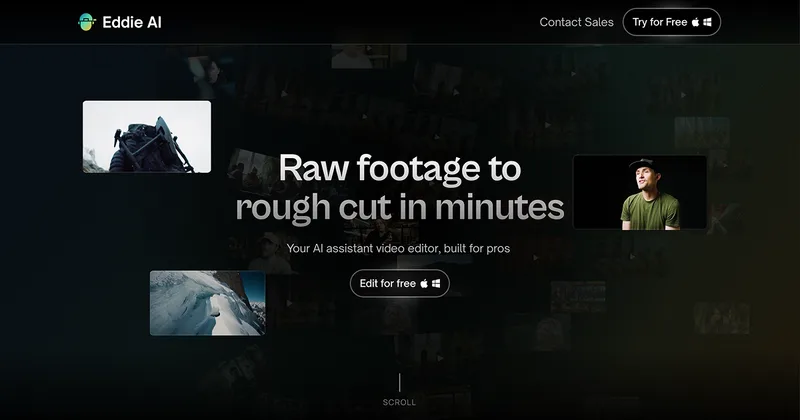
Eddie AI
Eddie AI is an AI assistant video editor that turns raw footage into structured rough cuts from plain-language instructions. It also handles tasks such as footage logging, multicam editing, color grading, captions, and music, with exports to professional NLEs.