Choppity
Choppity is an AI-powered video editing platform that automatically turns long-form videos and podcasts into 20–50+ short social clips with automated transcription, captioning, framing, tracking, and one-click posting/scheduling for TikTok, Instagram Reels and YouTube Shorts.
Choppity is video editing software teams evaluate for video editing. Use this page to review pricing, integration signals, and the best alternatives before you commit.
Profile facts come from the vendor source. AiMatch labels unknown pricing or API details instead of estimating them.
Review official source →Used in These Packs
Quick Overview
Best for: Video Editing
What it does
Video Editing software for decision-makers comparing workflow fit and alternatives.
Best fit
Video Editing
Pricing snapshot
Free from Free
Next step
Compare Choppity with similar tools before you shortlist it.
Compare this tool before you shortlist it
Review alternatives, pricing posture, and workflow fit side by side.
Choppity is an AI-driven video editor designed to convert long-form spoken content (podcasts, webinars, interviews, YouTube videos) into dozens of short, social-ready clips in minutes. The platform automates transcription, moment detection, clipping, caption generation, framing, speaker tracking, profanity censoring and branding, while providing a full editor and brand templates so users retain creative control. Choppity targets creators, podcasters, agencies and teams that need to scale short-form content production and offers free and paid plans with team features, scheduling, and direct publishing to major social platforms.
Choppity is an AI-powered video editing platform that automatically turns long-form videos and podcasts into 20–50+ short social clips with automated transcription, captioning, framing, tracking, and one-click posting/scheduling for TikTok, Instagram Reels and YouTube Shorts.
Own this listing?
Claim this page for a one-time $29 to add pricing, features, screenshots, verified owner details, and a clearly labeled 30-day category position after the profile is live.
Claim this listing for $29Key Features
AI video editor
Automatic editing using AI to transcribe, detect highlights, clip, format, caption and style videos with minimal manual effort.
Short clips generator
Automatically turn long-form videos or podcasts into 20–50+ short clips optimized for TikTok, Instagram Reels and YouTube Shorts.
Automated captions
AI-generated subtitles with customizable styles and animations, claimed 97%+ accuracy.
Automated framing
Automatically crop and reframe landscape video into vertical formats while keeping subjects centered.
Automated tracking
AI detects who is speaking and switches focus for multi-speaker recordings or interviews.
Text-based editing
Edit video by editing the transcript—delete text to cut video, trim via transcript handles, or add b-roll/images tied to transcript segments.
Clip anything / Keyword search
Search the transcript for keywords or highlights and instantly create standalone clips from those moments.
Profanity censoring
Auto-detect and beep/mute swear words to keep content brand-safe and monetizable.
1-click posting & scheduling
Post or schedule generated short clips directly to social platforms with one click and a content calendar view.
Brand templates & team workspaces
Set custom fonts, logos and colors as reusable templates; dedicated team workspaces with roles, permissions and resource allocation for collaboration at scale.
Pricing
Choppity offers a free plan that lets you upload videos, generate clips and explore the editing tools; paid plans unlock more uploads, storage, team features and advanced capabilities.
Free
Free- Upload videos and generate clips
- Explore editing tools and generate free clips
Use Cases
Content creators
Scale short-form content production by automatically generating and styling dozens of clips from long-form videos.
Podcasters
Repurpose podcast episodes into clips, captions and formatted vertical videos for social platforms.
Marketing agencies
Deliver more content for clients by automating clip generation, applying brand templates, and scheduling posts.
Churches
Share sermons and messages as short clips ready for social distribution.
Ecommerce
Create product video content and short ads from longer marketing videos or webinars.
Course creators
Promote courses with highlight clips and quote moments from longer lessons.
Social media marketers & Coaches
Scale reach and engagement by rapidly producing platform-optimized clips from interviews and sessions.
Real estate & sales teams
Repurpose walkthroughs and interviews into short clips to support lead generation and marketing.
Integrations
YouTube import
Import videos by pasting a YouTube URL for direct processing without downloading locally.
TikTok
Export or post short clips optimized for TikTok with appropriate aspect ratio and styling.
Instagram Reels
Export or post vertically framed clips optimized for Instagram Reels.
YouTube Shorts
Export or post short clips formatted for YouTube Shorts (9:16 or platform-appropriate aspect ratios).
Benefits
Limitations
No verified limitations are available.
Frequently Asked Questions
What is Choppity?
How does Choppity work?
What video formats does Choppity support?
Can I use Choppity for free?
What platforms can I export clips for?
Do I need video editing experience to use Choppity?
How long does it take to process a video in Choppity?
Can I import videos from YouTube?
How many clips can I generate from one video?
Is Choppity suitable for teams and agencies?
Getting Started
- 1 Upload your video or paste a YouTube link (MP4/MOV/major formats supported).
- 2 Set your brand template (fonts, logos, colors) to apply automatically to clips.
- 3 Generate 20–50+ clips: Choppity's AI transcribes, finds high-impact moments, clips and styles them.
- 4 Review, fine-tune in the built-in editor, then post or schedule directly to TikTok, Instagram Reels, YouTube Shorts and more.
Support
contact
Use the site's Contact page to reach the Choppity team (the site indicates 'Reach out to our team anytime').
docs
Product pages and help/FAQ content on the website provide usage guidance and onboarding information.
API
Compare Choppity with similar tools
See how it stacks up against alternatives
Related Tools
View all 23 →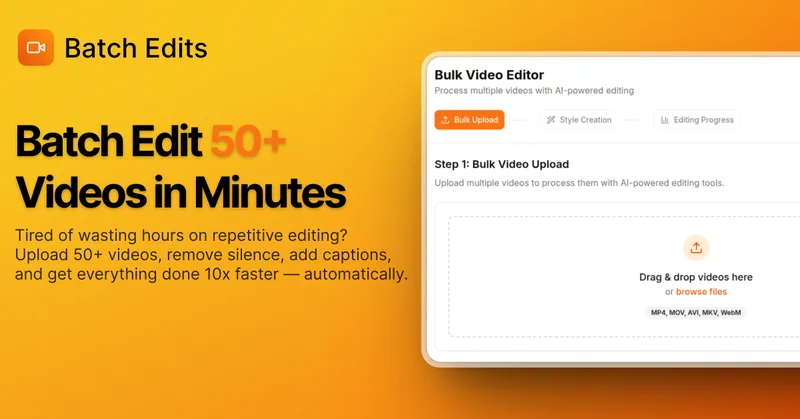
BatchEdits
BatchEdits is a web-based batch AI video editor for content creators that processes up to 50 videos simultaneously to remove silence, add auto-captions in 50+ languages, apply auto-zoom and crop for platform-specific formats, enabling high-volume creators to scale editing work.
Vidmoat
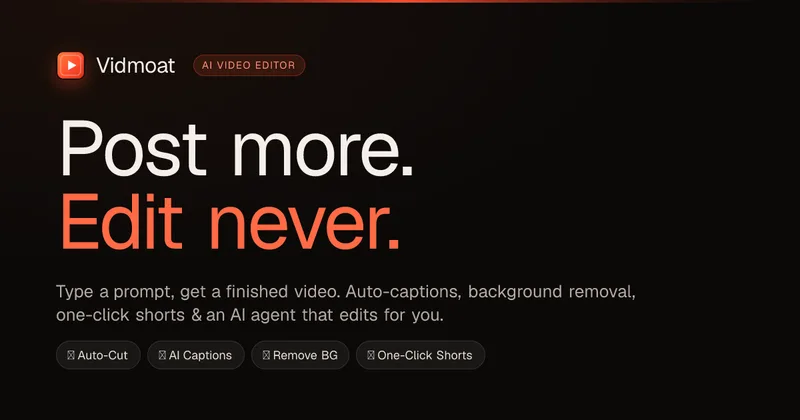
Vidmoat is an agent-first AI video editor that automates cutting, captions, color grading and multi-format export. Users type a prompt (or connect their own agent) and Vidmoat’s built-in AI or a connected MCP agent produces finished videos ready for TikTok, Reels, Shorts and YouTube.

Vizard
Vizard is an AI-first video editing and clipping platform that automatically converts long-form videos into social-ready short clips (TikTok, Instagram Reels, YouTube Shorts) and provides an editor, team workspace, and automation to scale content production for creators, marketers, coaches and agencies.
Eddie AI
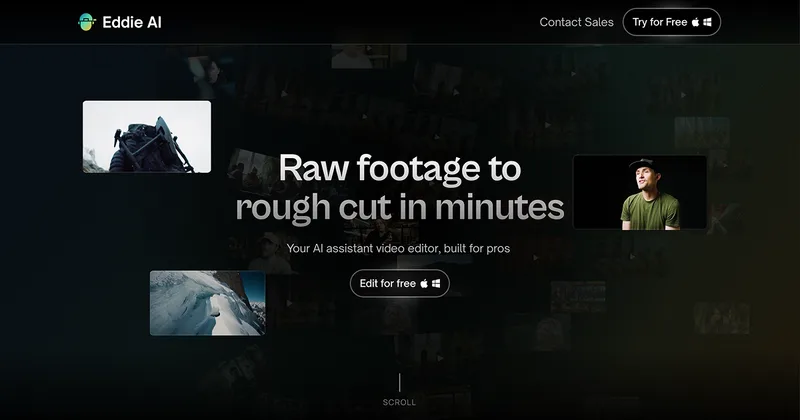
Eddie AI is an AI assistant video editor that turns raw footage into structured rough cuts from plain-language instructions. It also handles tasks such as footage logging, multicam editing, color grading, captions, and music, with exports to professional NLEs.
autoagentx
AutoAgentX is an AI-powered video editor focused on improving short-form clips by creating stronger hooks, cleaner subtitles, and tighter pacing to increase retention for creators and teams.


Premium Alternatives
Tella
Tella is an all-in-one screen recorder and video editor that captures screen, camera, microphone and system audio on Mac, Windows or in the browser, and provides editing, AI-assisted cleanup, hosting, analytics, and team collaboration for sharing or exporting videos up to 4K.
Eddie AI
Eddie AI is an AI assistant video editor that turns raw footage into structured rough cuts from plain-language instructions. It also handles tasks such as footage logging, multicam editing, color grading, captions, and music, with exports to professional NLEs.