

is.team
is.team is an all-in-one team workspace that combines an infinite visual canvas, task boards, built-in AI agents, and integrations to replace separate tools like Jira, Miro, and Slack; it includes AI automation for meeting notes, workflow planning, and task automation with both built-in and external agents (e.g., Claude) connected via MCP.
is.team is ai tools software teams evaluate for productivity. Use this page to review pricing, integration signals, and the best alternatives before you commit.
Profile facts come from the vendor source. AiMatch labels unknown pricing or API details instead of estimating them.
Review official source →Used in These Packs
Quick Overview
Best for: Productivity
What it does
AI Tools software for decision-makers comparing workflow fit and alternatives.
Best fit
Productivity
Pricing snapshot
Freemium from $0 / mo
Next step
Compare is.team with similar tools before you shortlist it.
Compare this tool before you shortlist it
Review alternatives, pricing posture, and workflow fit side by side.
is.team is an integrated team workspace built around an infinite spatial canvas where AI agents live and work alongside human teammates. The product combines boards, task tracking, whiteboarding, meeting transcription and AI automation to reduce tool sprawl — positioning itself as a single canvas replacement for tools such as Jira, Miro, and Slack. It targets engineering and product teams (Engineering Lead, CTO/VP Engineering, Startup Founder) and offers both built-in AI features (meeting notes, workflow planner, task automations) and the ability to connect external agents like Claude via MCP. Pricing includes a free forever tier for small teams and paid plans with flat/team pricing (example: $16/mo flat for 15 people).
Your AI agent joins the board like a teammate Discussion | Link
Own this listing?
Claim this page for a one-time $29 to add pricing, features, screenshots, verified owner details, and a clearly labeled 30-day category position after the profile is live.
Claim this listing for $29Key Features
Infinite Canvas
An infinite spatial workspace where tasks, notes and AI agents appear and work visually instead of a simple list view.
AI Agents on Boards
Built-in AI agents join a board like teammates to create tasks, participate in card chat, and ship work; external agents (e.g., Claude, Cursor, ChatGPT) can connect via MCP and subscribe to boards.
Meeting Notes & Transcription
AI transcribes calls, summarizes discussions, and extracts action items as tasks on your board (Note Taker credits are used for this feature).
AI Workflow Planner
Describe a project and AI generates phases, tasks, story points and team assignments to build a plan on the canvas.
Automations & Card Actions
Write plain-language prompts for AI automations that move tasks, assign members, send emails or Slack messages; built-in workflow builder and trigger-based automations across apps.
Integrations
Built-in connectors for GitHub, Slack, Google Drive, Figma, Google Calendar, Zapier and Make to sync code, notifications, files and deadlines.
Timeline (Gantt-style) View
Gantt-like timeline where tasks can be dragged to reschedule and resized to adjust durations with zoom levels (day/week/month).
Voice Rooms & Real-time Collaboration
Built-in voice chat with screen sharing for standups and quick meetings without third-party video tools.
Sprints, Story Points & Analytics
Support for time-boxed sprints with burndown charts, story points, velocity tracking, workspace analytics and workload views.
Budget Tracking & File Storage
Set budgets per board in currency or hours and attach files with drag-and-drop uploads and inline previews; file storage varies by plan.
Security & Webhooks
HMAC-signed webhooks and data encrypted in transit are called out on the site; webhooks for Zapier/Make integrations are available.
API Access & MCP Server
API access is listed as a capability on paid plans and MCP server support enables external LLM/agent connections.
Pricing
Free forever plan: unlimited tasks, 1 workspace, 2 boards, up to 3 team members; no time limit and no credit card required.
Free
$0 / mo- Unlimited tasks
- 1 workspace
- 2 boards
- Up to 3 team members
Starter
$8 / mo (noted as early-adopter pricing; $40 / mo after launch shown in table)- More file storage (1 GB shown)
- Additional boards and seats compared to Free
- Includes AI Workflow Planner
Pro (Recommended)
$16 / mo (noted as early-adopter pricing; $80 / mo after launch shown in table)- AI Card Assistant
- Note Taker credits (one-time credits per workspace; Pro annual gets 4)
- Timeline view, analytics, API access
Max
$39 / mo (noted as early-adopter pricing; $195 / mo after launch shown in table)- Largest file storage (50 GB shown)
- Dedicated support
- More Note Taker credits (annual Max receives 8)
Use Cases
Replace multiple tools with one canvas
Consolidate task tracking, whiteboarding and team communications (Jira + Miro + Slack) into a single canvas to reduce context switching and tool costs.
Automated meeting capture and action extraction
Send an AI bot to meetings to transcribe, summarize and convert action items into tasks on the board to streamline follow-up.
AI-assisted project planning
Use the AI Workflow Planner to describe a project and have the system generate phases, tasks, story points and assignments ready for execution.
Ongoing automation and maintenance
Let AI automations handle routine board maintenance (standups, updating tasks, assigning work) so teams spend less time managing the board and more time shipping.
Developer collaboration and CI context
Integrate with GitHub to surface code and pull request info alongside tasks; receive PR updates and notifications in-app or via Slack.
Integrations
GitHub
Connect code and pull requests to tasks and boards.
Slack
Receive Slack notifications for assignments, completions and mentions.
Google Drive
Attach Drive files to tasks and boards.
Figma
Design collaboration and file attachments.
Google Calendar
Sync deadlines to Google Calendar.
Zapier / Make
No-code automation and webhook integrations.
Benefits
Limitations
Frequently Asked Questions
Is the free plan really free forever?
Can I cancel anytime?
Can I collaborate with my team on the free plan?
What are AI meeting note (Note Taker) credits?
Getting Started
- 1 Step 1: Start a free account on is.team (there is a Free plan with 3 seats and no credit card required).
- 2 Step 2: Create a board (site claims "30 seconds to first board" and "Day 1 productive").
- 3 Step 3: Connect integrations (GitHub, Slack, Drive, Calendar, Zapier/Make) and enable AI features or connect external agents via MCP as needed.
Support
Contact support or inquiries via [email protected] (site contact).
docs
Product documentation and changelog are available via the site's Docs and Changelog links.
FAQ
Frequently Asked Questions page accessible from the site navigation.
trustpilot
Customer reviews and ratings referenced via Trustpilot link on the site.
API
Compare is.team with similar tools
See how it stacks up against alternatives
Related Tools
View all 132 →
Windrunner
Windrunner is an AI-powered project collaboration and work management platform that combines work items, decisions, blockers, evidence, and progress into a single shared workspace to help teams coordinate work and review AI-proposed updates.


threadfork
threadfork is a macOS native, on-device AI notetaker that records, transcribes, and organizes meetings locally on Apple Silicon — generating summaries, threads (commitments/decisions), entities, and semantic search without sending audio to the cloud.

Afterlid, guarded lid closed work for macOS
Afterlid is a native macOS menu‑bar app that keeps downloads, renders, backups, dev servers, remote access, and local AI agents running after you close the lid by offering guarded modes (Sleepy, Awake, Always On) with built‑in battery, thermal, heartbeat, and time limits.
CardGo
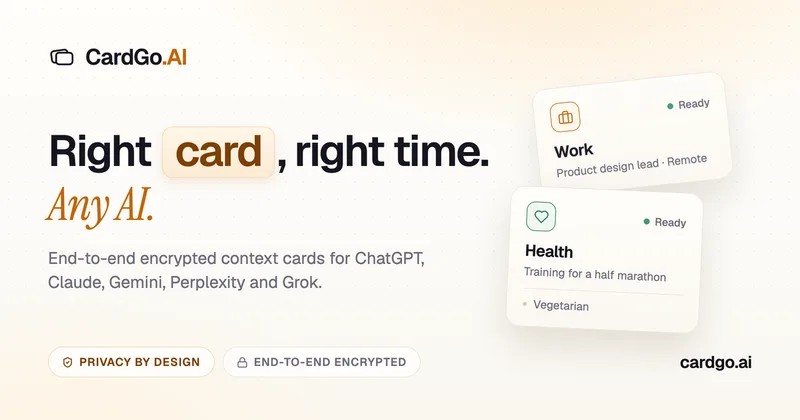
CardGo is a Chrome extension and context-management product that stores small, reusable, end-to-end encrypted AI context “cards” you attach to chats (ChatGPT, Claude, Gemini, Perplexity, Grok) so multiple AI tools can access the right user context without sharing your full profile.
Habit Pocket
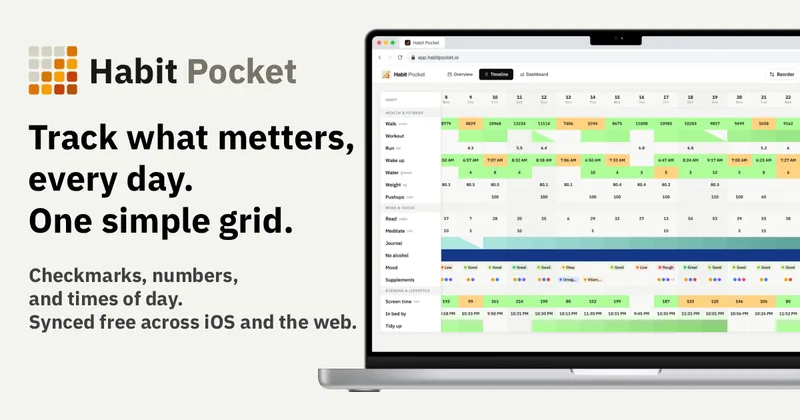
Habit Pocket is a multi-platform habit tracker that logs yes/no checks, numeric values, times, and categorical selections in a single grid, plus charts and AI integrations to reveal correlations between habits, sleep, mood, and energy.
Premium Alternatives
gistreader
GistReader is a web-based read-it-later app that uses AI to summarize articles and remove distractions, supporting individual pages and RSS feeds while syncing content across devices.
Writingmate
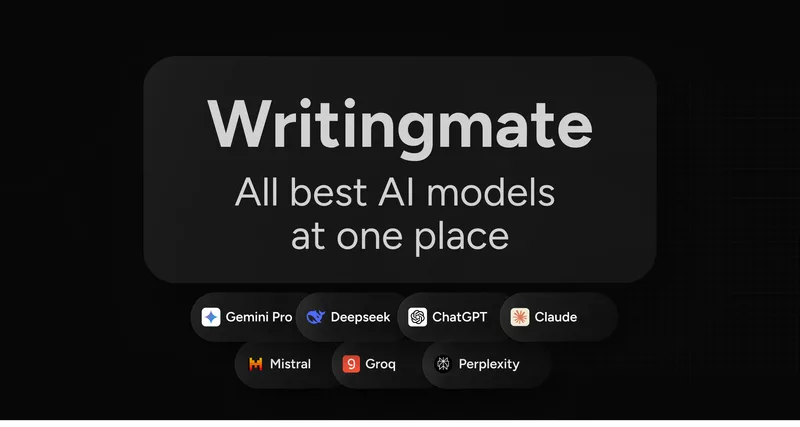
Writingmate is an all-in-one AI workspace that brings chat, files, web search, image and video generation, and 350+ third-party models (GPT, Claude, Gemini, Grok, Sora, Veo, etc.) into a single app designed for productivity, content, and team work.

AI Summarizer (summarizer.org)
AI Summarizer (summarizer.org) is a web-based AI-powered text summarization tool that shortens text while preserving main points, supporting text, DOCX, images and URLs, multiple output styles (paragraphs, bullet points), multiple languages, and optional premium features.

Inbox Zero
Inbox Zero is an AI email assistant that organizes and labels inbox messages, drafts replies in the user's voice, and helps manage email from web, mobile, Slack, or Telegram. It works alongside Gmail or Outlook rather than replacing the email client.

HigLabo Mail Agent
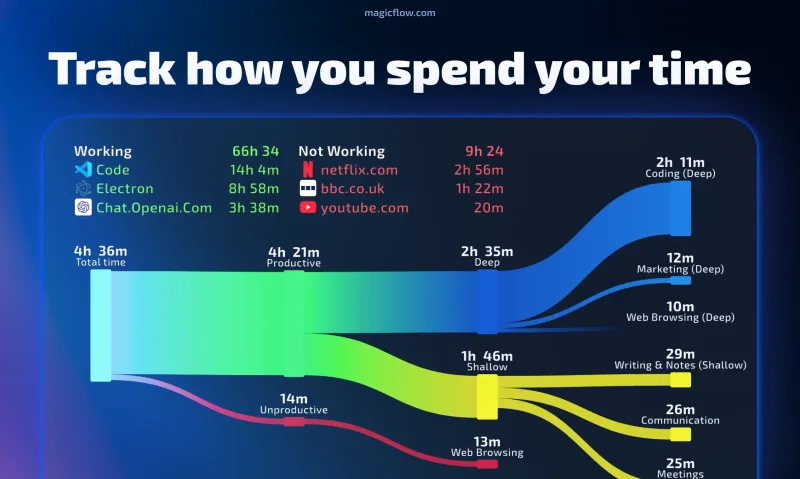
HigLabo Mail Agent is part of HigLabo, an AI-powered integrated workspace that organizes inboxes and automatically converts actionable emails into tasks to help teams and individuals reduce context switching and work more efficiently.