
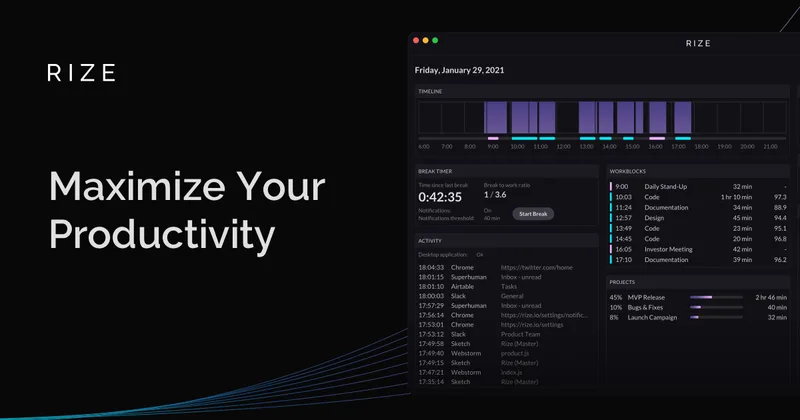
rize-io
Rize is a desktop app for automatic time tracking that categorizes work by client, project, and task, then gives teams visibility into billable hours, utilization, and profitability. It is available for macOS and Windows and offers a free trial with no credit card required.
rize-io is productivity software teams evaluate for productivity. Use this page to review pricing, integration signals, and the best alternatives before you commit.
Profile facts come from the vendor source. AiMatch labels unknown pricing or API details instead of estimating them.
Review official source →Used in These Packs
Quick Overview
Best for: Productivity
What it does
Productivity software for decision-makers comparing workflow fit and alternatives.
Best fit
Productivity
Pricing snapshot
Free Trial from Free trial; no credit card required. Trial duration and paid-plan prices are not stated in the supplied content.
Next step
Compare rize-io with similar tools before you shortlist it.
Compare this tool before you shortlist it
Review alternatives, pricing posture, and workflow fit side by side.
Rize is automatic time-tracking software for individuals and teams. Its desktop app runs in the background and categorizes activity by client, project, and task, helping users capture work time without starting and stopping timers or entering timesheets manually.
Team dashboards provide visibility into billable and non-billable time, utilization, workload, and profitability by client or project. Rize is positioned for agencies and other professional services teams that bill for their time, as well as freelancers and operations leaders. The app is available for macOS and Windows.
AI-powered time tracker to improve focus and build better work habits.
Own this listing?
Claim this page for a one-time $29 to add pricing, features, screenshots, verified owner details, and a clearly labeled 30-day category position after the profile is live.
Claim this listing for $29Key Features
Automatic background time tracking
The desktop app records work activity in the background, so users do not need to start and stop timers or enter time manually.
Client and project categorization
Rize uses machine learning to categorize work sessions by client or project based on window titles, URLs, and learned patterns. Time can also be organized by task.
Team time visibility
Team dashboards show work activity, billable and non-billable time, utilization, and project progress.
Profitability dashboards and reports
The product provides profitability views by client, project, and team member, and generates recurring client-ready reports with billable hours and progress.
Workload and utilization insights
Managers can view team capacity and workload distribution to help plan staffing and identify workload issues.
Focus and wellness tools
Rize offers focus detection, distraction blocking, break reminders, wellness prompts, and customizable settings for team members.
AI Productivity Coach
Team members receive personalized check-ins with work-hour breakdowns, focus metrics, and actionable nudges.
Employee-controlled sharing
Team members can review and approve time data before it is shared, and can edit or delete tracked time.
Pricing
A free trial is available without a credit card. The supplied content does not state whether a permanent free plan is available.
Free trial
Free trial; no credit card required. Trial duration and paid-plan prices are not stated in the supplied content.- Automatic desktop time tracking
- Available for macOS and Windows
Use Cases
Agency billable-hour tracking
Track time across client projects and campaigns without requiring staff to start timers, and review project profitability and potential scope creep.
Professional services utilization
Give consulting, IT services, and advisory teams visibility into engagement hours, utilization, and capacity.
Law firm matter tracking
Capture time spent on research, drafting, and client communication by matter, reducing the need to reconstruct timesheets at the end of the day.
Accounting firm workload visibility
Track time across client files, tax preparation, and advisory work, and review workload distribution during busy periods.
Freelance project estimation and billing
Use automatically captured project hours to understand how long work takes, support quoting, and show clients where time was spent.
Integrations
Linear
Listed as an integration for connecting Rize with the team's project workflow.
ClickUp
Listed as an integration for connecting Rize with the team's project workflow.
Asana
Listed as an integration for connecting Rize with the team's project workflow.
Jira
Listed as an integration for connecting Rize with the team's project workflow.
Notion
Listed as an integration for connecting Rize with the team's workflow.
Google Calendar
Connects calendar meetings with clients, according to the page.
Monday.com
Named in the FAQ as a project management tool Rize integrates with.
QuickBooks
The page says Rize exports billable data for QuickBooks and other invoicing tools.
Slack
Listed in the integrations section of the page footer.
MCP server
Allows AI assistants to query Rize time data, according to the FAQ.
Benefits
Limitations
Frequently Asked Questions
Does Rize take screenshots or record my screen?
Can an employer see everything a team member does with Rize?
Is Rize available on mobile?
How does Rize categorize time?
What apps and integrations does Rize connect with?
Getting Started
- 1 Download the Rize desktop app for macOS or Windows.
- 2 Start the free trial; the page says no credit card is required.
- 3 Use the app to track work activity automatically in the background.
- 4 Review and approve time data, and tag entries to team projects or clients when sharing them with the team.
Support
Support
A Support link is listed in the company section of the site.
Setup resources
The site lists a Setup Guide and Team Setup resources.
Demo
The site offers an option to book a demo.
API
Compare rize-io with similar tools
See how it stacks up against alternatives
Related Tools
View all 132 →
Windrunner
Windrunner is an AI-powered project collaboration and work management platform that combines work items, decisions, blockers, evidence, and progress into a single shared workspace to help teams coordinate work and review AI-proposed updates.

threadfork
threadfork is a macOS native, on-device AI notetaker that records, transcribes, and organizes meetings locally on Apple Silicon — generating summaries, threads (commitments/decisions), entities, and semantic search without sending audio to the cloud.

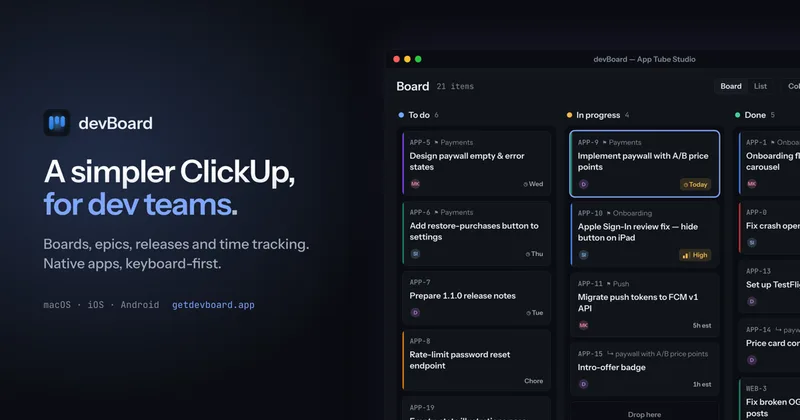

Afterlid, guarded lid closed work for macOS
Afterlid is a native macOS menu‑bar app that keeps downloads, renders, backups, dev servers, remote access, and local AI agents running after you close the lid by offering guarded modes (Sleepy, Awake, Always On) with built‑in battery, thermal, heartbeat, and time limits.
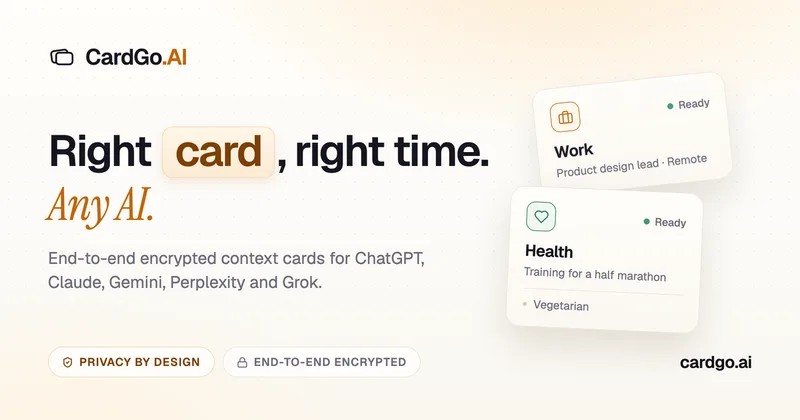
CardGo
CardGo is a Chrome extension and context-management product that stores small, reusable, end-to-end encrypted AI context “cards” you attach to chats (ChatGPT, Claude, Gemini, Perplexity, Grok) so multiple AI tools can access the right user context without sharing your full profile.
Habit Pocket
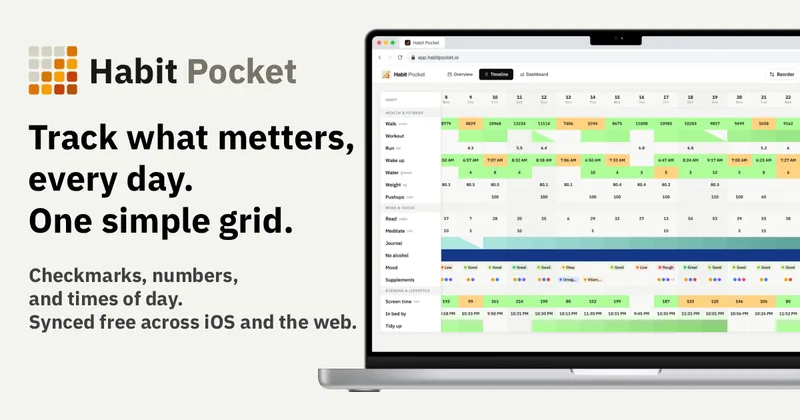
Habit Pocket is a multi-platform habit tracker that logs yes/no checks, numeric values, times, and categorical selections in a single grid, plus charts and AI integrations to reveal correlations between habits, sleep, mood, and energy.
Premium Alternatives
gistreader
GistReader is a web-based read-it-later app that uses AI to summarize articles and remove distractions, supporting individual pages and RSS feeds while syncing content across devices.

Inbox Zero
Inbox Zero is an AI email assistant that organizes and labels inbox messages, drafts replies in the user's voice, and helps manage email from web, mobile, Slack, or Telegram. It works alongside Gmail or Outlook rather than replacing the email client.
Writingmate
Writingmate is an all-in-one AI workspace that brings chat, files, web search, image and video generation, and 350+ third-party models (GPT, Claude, Gemini, Grok, Sora, Veo, etc.) into a single app designed for productivity, content, and team work.

AI Summarizer (summarizer.org)
AI Summarizer (summarizer.org) is a web-based AI-powered text summarization tool that shortens text while preserving main points, supporting text, DOCX, images and URLs, multiple output styles (paragraphs, bullet points), multiple languages, and optional premium features.

HigLabo Mail Agent
HigLabo Mail Agent is part of HigLabo, an AI-powered integrated workspace that organizes inboxes and automatically converts actionable emails into tasks to help teams and individuals reduce context switching and work more efficiently.