Submagic
Submagic is an AI-powered video editing platform that automates short-form video creation — from auto-captions and one-click edits to magic clip extraction, scheduling, and team collaboration — aimed at creators, teams, and businesses that need to publish shorts at scale.
Submagic is video editing software teams evaluate for business operations. Use this page to review pricing, integration signals, and the best alternatives before you commit.
Profile facts come from the vendor source. AiMatch labels unknown pricing or API details instead of estimating them.
Review official source →Used in These Packs
Quick Overview
Best for: Business Operations
What it does
Video Editing software for decision-makers comparing workflow fit and alternatives.
Best fit
Business Operations
Pricing snapshot
Free
Next step
Compare Submagic with similar tools before you shortlist it.
Compare this tool before you shortlist it
Review alternatives, pricing posture, and workflow fit side by side.
Submagic is an AI-first video editing platform built to turn long-form videos into high-performing short-form content quickly. The product automates slow, manual editing tasks — generating captions, detecting highlights, inserting B-roll, trimming silence, and formatting clips for platforms like TikTok, Instagram Reels and YouTube Shorts. It positions itself for both individual creators and teams, offering scheduling and publishing, team collaboration in a shared workspace, and features like AI avatars to create videos without filming.
The product emphasizes speed and scale — claiming up to 10× faster editing, multi-language captions with high accuracy, and exports up to 4K 60fps — and targets businesses, media companies, agencies, marketers and creators who need to publish consistent short-form videos at scale.
Submagic is an AI-powered video editing platform that automates short-form video creation — from auto-captions and one-click edits to magic clip extraction, scheduling, and team collaboration — aimed at creators, teams, and businesses that need to publish shorts at scale.
Own this listing?
Claim this page for a one-time $29 to add pricing, features, screenshots, verified owner details, and a clearly labeled 30-day category position after the profile is live.
Claim this listing for $29Key Features
AI Captions
Automatically generates captions in multiple languages with modern, readable styles; marketing copy cites 'Generate viral caption styles in 48 languages with 99% accuracy.'
AI Auto Edit
One-click editing that cuts, trims and removes silences; 'Edit videos in one click. Cut, trim, and publish shorts content 10x faster' is described on the site.
Magic Clips (Automatic Repurposing)
Automatically extracts key moments and turns one long video into multiple short clips for posting at scale — 'Turn one video into multiple shorts instantly' and 'Magic clips' features are listed.
Subtitle Generator / Auto Subtitle
Automatic subtitle generation for videos in multiple languages to improve retention and accessibility ('Subtitle Generator' and 'Add captions automatically').
AI Actors Studio (AI Avatars)
Create shorts without filming using AI avatars so teams can publish consistent content faster and cheaper ('Create shorts without filming with AI avatars').
B-Roll Insertion
AI inserts B-roll automatically as part of the editing workflow ('Submagic adds captions, removes silences, inserts B-roll, and finds key moments automatically').
Auto-Zoom & AI Eye Contact
Tools to automatically adjust framing and eye contact for better short-form viewing (listed among product features).
Scheduling & Direct Publishing
Schedule posts and publish directly from the editor to multiple platforms; site states 'Pick a date, choose platforms, and publish directly from the editor.'
Team Collaboration Workspace
Shared workspace for teams to review, edit and publish videos together while staying on brand ('Collaborate with your team in one place').
Sound Effects & Background Music
Built-in sound effects and background music to enhance short-form videos (listed under features).
High-quality Export
Supports exports up to 4K resolution and 60fps ('Submagic supports high-quality exports up to 4K resolution and 60fps').
Video Editing API
An API is available to automate video editing workflows—site headline: 'Submagic API is live! Automate your video editing workflow.'
Pricing
The site advertises 'Try for free' and 'Try for free' CTA(s), but no detailed plan limits, pricing tiers, or trial terms are provided on the supplied page.
Use Cases
Business Owners
Create viral shorts to attract leads and build authority without dedicating extensive time to manual editing.
Media Companies
Turn long-form content into high-performing shorts at scale to increase reach and engagement (example: Sportskeeda scaled video output).
Marketing Teams
Produce high-performing short videos to drive growth and campaign performance with faster turnaround.
Agencies
Produce on-brand client content quickly with consistent quality and collaborative workflows.
Advertisers
Create scroll-stopping product shorts optimized for conversions and short-form platforms.
Content Creators
Repurpose podcasts, interviews and long videos into ready-to-post shorts for TikTok, YouTube Shorts, Reels and other platforms.
Integrations
Video Editing API
An API to integrate Submagic's editing capabilities into automated workflows and other tools ('Submagic API is live! Automate your video editing workflow').
Benefits
Limitations
No verified limitations are available.
Frequently Asked Questions
How do I create short with Submagic?
Can I turn a long video into multiple shorts?
Does Submagic add captions automatically?
What makes editing faster than traditional timelines?
Does Submagic support team collaboration?
What quality levels are available for export?
Getting Started
- 1 Step 1: Upload a video file or paste a YouTube link (supports podcasts, YouTube videos, phone footage and all formats).
- 2 Step 2: Let Submagic's AI process the video — it detects highlights, adds captions, removes silences, inserts B-roll and finds key moments automatically.
- 3 Step 3: Edit the auto-generated transcript or results if desired, then schedule and publish directly to platforms optimized for TikTok, Reels, Shorts with exports up to 4K/60fps.
Support
Contact sales
Site includes a 'Contact sales' link for commercial inquiries and demos.
Get a demo
The site offers 'Get a demo' and 'Get Started' CTAs to arrange demonstrations or trials.
Docs / Blog / Resources
Resources, tutorials and a blog are available via the site's Resources section (tutorials, how-tos, and tools listed).
API
Compare Submagic with similar tools
See how it stacks up against alternatives
Related Tools
View all 23 →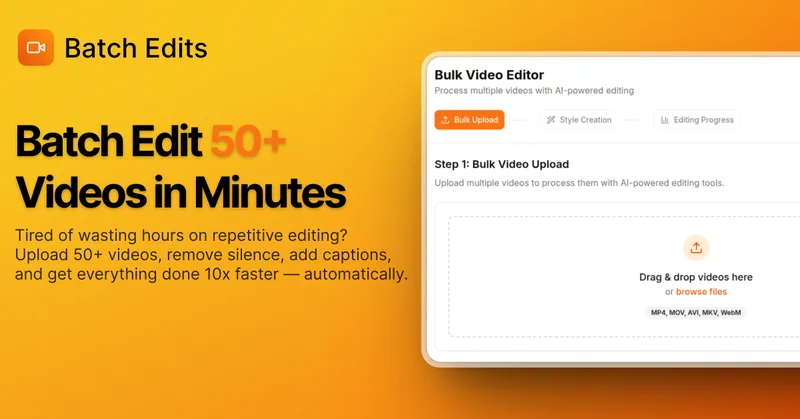
BatchEdits
BatchEdits is a web-based batch AI video editor for content creators that processes up to 50 videos simultaneously to remove silence, add auto-captions in 50+ languages, apply auto-zoom and crop for platform-specific formats, enabling high-volume creators to scale editing work.
Vidmoat
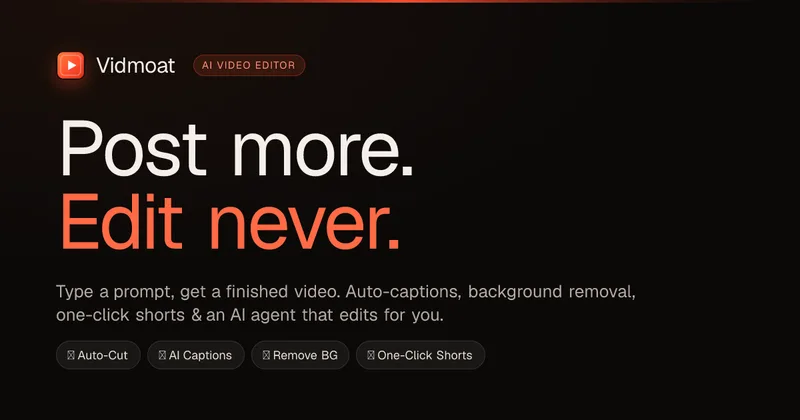
Vidmoat is an agent-first AI video editor that automates cutting, captions, color grading and multi-format export. Users type a prompt (or connect their own agent) and Vidmoat’s built-in AI or a connected MCP agent produces finished videos ready for TikTok, Reels, Shorts and YouTube.

autoagentx
AutoAgentX is an AI-powered video editor focused on improving short-form clips by creating stronger hooks, cleaner subtitles, and tighter pacing to increase retention for creators and teams.
Tella
Tella is an all-in-one screen recorder and video editor that captures screen, camera, microphone and system audio on Mac, Windows or in the browser, and provides editing, AI-assisted cleanup, hosting, analytics, and team collaboration for sharing or exporting videos up to 4K.

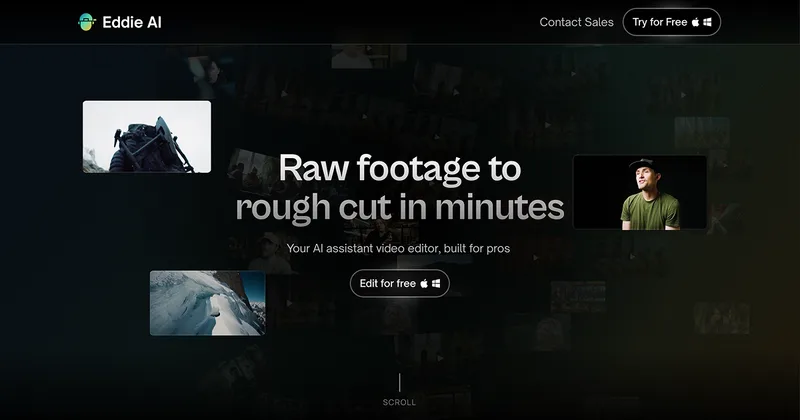
Eddie AI
Eddie AI is an AI assistant video editor that turns raw footage into structured rough cuts from plain-language instructions. It also handles tasks such as footage logging, multicam editing, color grading, captions, and music, with exports to professional NLEs.
Premium Alternatives
Eddie AI
Eddie AI is an AI assistant video editor that turns raw footage into structured rough cuts from plain-language instructions. It also handles tasks such as footage logging, multicam editing, color grading, captions, and music, with exports to professional NLEs.

Tella
Tella is an all-in-one screen recorder and video editor that captures screen, camera, microphone and system audio on Mac, Windows or in the browser, and provides editing, AI-assisted cleanup, hosting, analytics, and team collaboration for sharing or exporting videos up to 4K.