

App Launch
GrabThat is a Windows desktop launcher that uses natural language processing to connect users to local files, apps, scripts, and team knowledge bases—running 100% offline and configurable for individual and team workflows.
App Launch is productivity software teams evaluate for software & gaming. Use this page to review pricing, integration signals, and the best alternatives before you commit.
Profile facts come from the vendor source. AiMatch labels unknown pricing or API details instead of estimating them.
Review official source →Used in These Packs
Quick Overview
Best for: Software & Gaming
What it does
Productivity software for decision-makers comparing workflow fit and alternatives.
Best fit
Software & Gaming
Pricing snapshot
Freemium from Free
Next step
Compare App Launch with similar tools before you shortlist it.
Compare this tool before you shortlist it
Review alternatives, pricing posture, and workflow fit side by side.
GrabThat is a configurable, local-first Windows desktop launcher that uses natural language processing to let users access documents, applications, scripts, and team knowledge the way they naturally think. It is designed to work alongside existing processes rather than replace them, connecting to local models, team directories, and automated workflows. The product targets knowledge workers and teams, offering both personal and shared knowledge bases, local telemetry, and offline operation for privacy and integration with existing security infrastructure.
GrabThat is a configurable Windows-native local AI tool for businesses that know their business. Accelerate your existing processes and achieve strategic goals without changing how you work.
Own this listing?
Claim this page for a one-time $29 to add pricing, features, screenshots, verified owner details, and a clearly labeled 30-day category position after the profile is live.
Claim this listing for $29Key Features
Launcher
Summon the launcher anywhere on the desktop with Ctrl+Space and use natural language to access resources via trained paths.
Snippets
Organize and expand reusable prompts, SOPs, and recurring text templates across any application (Premium).
Scripts
Execute local automation scripts and background operations directly from natural language phrases (Premium).
Clipboard
Securely recall recently copied text, commands, and snippets with local indexing and instant recall (Premium).
Schedule
Set up recurring background workflows, automated report runs, and synchronized directory tasks on flexible custom time schedules (Free & Premium).
Telemetry
Track usage metrics, execution latency, model resource consumption, and workflow health in a private local dashboard (Free & Premium).
Database Manager
Manage personal and shared knowledge bases and map internal directories and file indexes (15 personal items on Free, unlimited on Premium).
Settings & Branding
Customize configuration, paths, preferences and (in Premium) custom logo branding and team theming.
Pricing
Free download that runs 100% offline, includes settings, telemetry, Database Manager and 15 personal database items; includes a 30-day Premium trial.
Free Edition
Free- 15 personal database items
- Settings
- Database Manager
- Telemetry
Premium
$96 / user / yr- Unlimited personal database items
- Unlimited shared database items
- Scripts, Snippets, Clipboard
- Custom Branding
Use Cases
Natural language file and app access
Find and open documents, folders, or applications quickly by asking in natural language instead of navigating file systems.
Team knowledge sharing
Provide verified shared knowledge bases so team members can query SOPs and team documentation directly from the launcher.
Local automation and workflows
Trigger local scripts, scheduled tasks, and recurring automated reports from simple natural language commands.
Private, offline model access
Run and summon local models on workstations to avoid cloud latency, API costs, and to keep data on-device.
Integrations
Microsoft PowerToys
Integrates with PowerToys to extend desktop utilities and workflows.
Local applications, files, folders, websites, and team channels
Connects to applications, files, folders, documentation, workflow scripts, and team channels to provide unified natural language access.
Benefits
Limitations
Frequently Asked Questions
No verified FAQs are available.
Getting Started
- 1 Download the free installer for Windows 10 or 11 from the GrabThat website or Microsoft Store.
- 2 Install GrabThat and press Ctrl+Space anywhere on the desktop to summon the Launcher.
- 3 Configure personal and team databases, set paths in Settings, and optionally enable snippets, scripts, and telemetry. Consider upgrading to Premium for unlimited shared items and advanced features.
Support
Contact support or sales at [email protected].
docs/watch demo
Product pages include a 'Watch Demo' and pricing pages; demo/watch resources available on the site.
store
Available via the Microsoft Store for download.
API
Compare App Launch with similar tools
See how it stacks up against alternatives
Related Tools
View all 132 →
Windrunner
Windrunner is an AI-powered project collaboration and work management platform that combines work items, decisions, blockers, evidence, and progress into a single shared workspace to help teams coordinate work and review AI-proposed updates.


threadfork
threadfork is a macOS native, on-device AI notetaker that records, transcribes, and organizes meetings locally on Apple Silicon — generating summaries, threads (commitments/decisions), entities, and semantic search without sending audio to the cloud.
Afterlid, guarded lid closed work for macOS
Afterlid is a native macOS menu‑bar app that keeps downloads, renders, backups, dev servers, remote access, and local AI agents running after you close the lid by offering guarded modes (Sleepy, Awake, Always On) with built‑in battery, thermal, heartbeat, and time limits.
CardGo
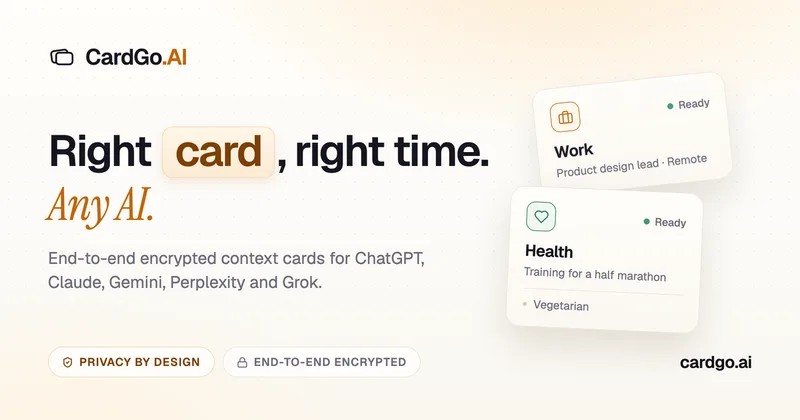
CardGo is a Chrome extension and context-management product that stores small, reusable, end-to-end encrypted AI context “cards” you attach to chats (ChatGPT, Claude, Gemini, Perplexity, Grok) so multiple AI tools can access the right user context without sharing your full profile.
Habit Pocket
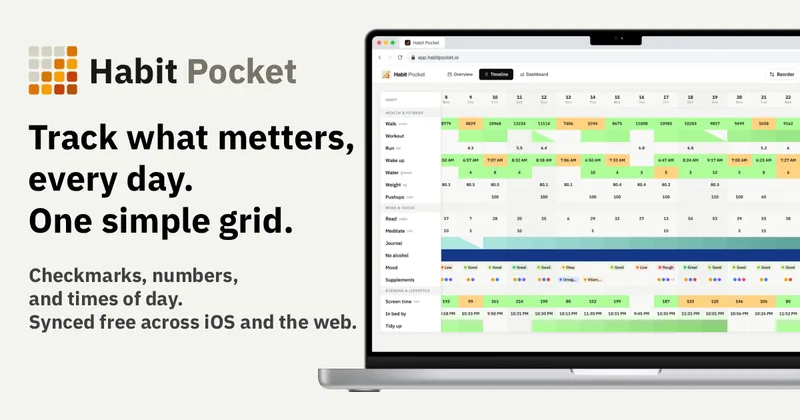
Habit Pocket is a multi-platform habit tracker that logs yes/no checks, numeric values, times, and categorical selections in a single grid, plus charts and AI integrations to reveal correlations between habits, sleep, mood, and energy.
Premium Alternatives

Inbox Zero
Inbox Zero is an AI email assistant that organizes and labels inbox messages, drafts replies in the user's voice, and helps manage email from web, mobile, Slack, or Telegram. It works alongside Gmail or Outlook rather than replacing the email client.

AI Summarizer (summarizer.org)
AI Summarizer (summarizer.org) is a web-based AI-powered text summarization tool that shortens text while preserving main points, supporting text, DOCX, images and URLs, multiple output styles (paragraphs, bullet points), multiple languages, and optional premium features.
Writingmate
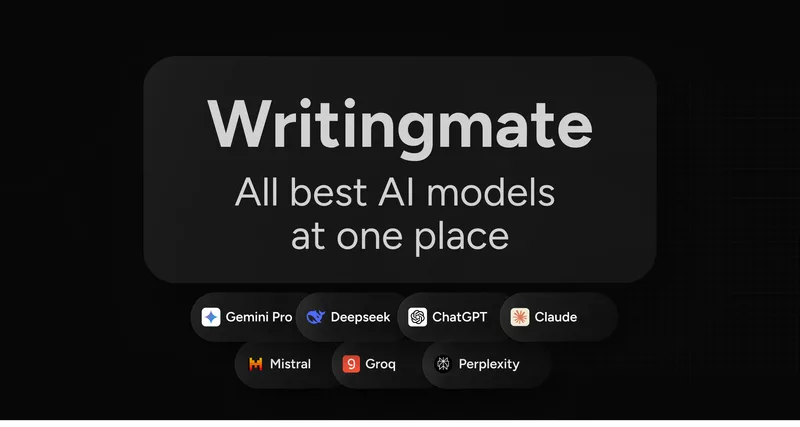
Writingmate is an all-in-one AI workspace that brings chat, files, web search, image and video generation, and 350+ third-party models (GPT, Claude, Gemini, Grok, Sora, Veo, etc.) into a single app designed for productivity, content, and team work.
gistreader
GistReader is a web-based read-it-later app that uses AI to summarize articles and remove distractions, supporting individual pages and RSS feeds while syncing content across devices.

HigLabo Mail Agent
HigLabo Mail Agent is part of HigLabo, an AI-powered integrated workspace that organizes inboxes and automatically converts actionable emails into tasks to help teams and individuals reduce context switching and work more efficiently.