OpenChatCut
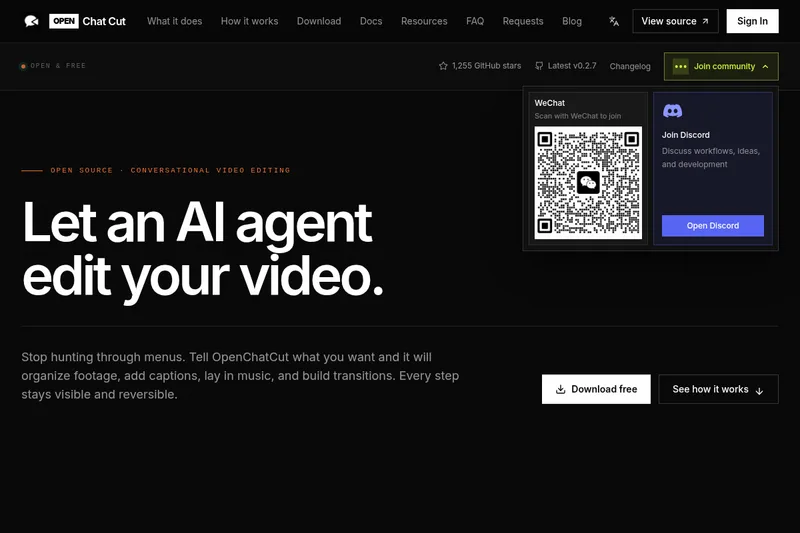
OpenChatCut is a free, open-source, desktop-first conversational video editor that uses AI agents to edit timelines — placing clips, trimming, adding captions, music, transitions and effects — while leaving every change editable and reversible.
OpenChatCut is ai tools software teams evaluate for video editing. Use this page to review pricing, integration signals, and the best alternatives before you commit.
Profile facts come from the vendor source. AiMatch labels unknown pricing or API details instead of estimating them.
Review official source →Used in These Packs
Quick Overview
Best for: Video Editing
What it does
AI Tools software for decision-makers comparing workflow fit and alternatives.
Best fit
Video Editing
Pricing snapshot
Free
Next step
Compare OpenChatCut with similar tools before you shortlist it.
Compare this tool before you shortlist it
Review alternatives, pricing posture, and workflow fit side by side.
OpenChatCut is an open-source, local-first desktop application that provides conversational video editing via an AI agent. Instead of producing a flattened, uneditable video, the agent directly modifies a real editing timeline — placing clips, trimming dead space, adding captions, laying in music, and building transitions — while keeping every action reversible and editable. The tool is model-agnostic: users can connect Codex, Claude, or their own agents through MCP, plugins, and templates, and switch models without rebuilding workflows.
Open-source AI agent video editor with a real timeline Discussion | Link
Own this listing?
Claim this page for a one-time $29 to add pricing, features, screenshots, verified owner details, and a clearly labeled 30-day category position after the profile is live.
Claim this listing for $29Key Features
Conversational agent-driven editing
An AI agent reads the project and makes timeline edits on command — placing clips, trimming, adding captions, and laying in music rather than only suggesting changes.
Real editing timeline
Video, audio, captions, transitions, effects, LUTs, motion graphics, and keyframes all live in one editable project and timeline for preview and manual refinement.
Editable history & undo
Each agent action lands on the timeline with a clear history and an undo button so every step remains visible and reversible.
Model-agnostic agent connections
Supports connecting Codex, Claude, or custom agents via MCP, plugins, and templates; models can be changed later without rebuilding workflows.
Templates, transitions and motion
Includes templates, transitions, effects, audio, and motion graphics so the agent can build a first pass edit that users can further refine.
Open-source & local-first
The project is free, open source, and emphasizes a local-first workflow with downloadable desktop builds and source code available.
Pricing
OpenChatCut is free and open source; desktop builds can be downloaded at no cost and the source code is available.
Use Cases
Rapid first-pass editing
Have the agent assemble clips, trim dead space, add music and captions to produce a first-edit that you can iterate on.
Iterative, editable AI-assisted editing
Use conversational instructions to refine pace, transitions, tracks, and effects while keeping a fully editable timeline and undo history.
Integrating custom agents or models
Teams or developers can connect existing LLMs or agents (Codex, Claude, custom) through MCP/plugins to fit organization-specific workflows.
Accessible timeline-based automation
Automate repetitive timeline tasks (captioning, basic trimming, laying audio) while retaining manual control for final polishing.
Integrations
Codex
Can connect Codex as an AI agent for editing workflows.
Claude
Can connect Claude as an AI agent for editing workflows.
MCP, plugins, and templates
Supports connecting agents and extending workflows via MCP, plugins, and templates; allows swapping models without rebuilding the workflow.
Benefits
Limitations
Frequently Asked Questions
Is OpenChatCut free?
Which AI models does it support?
How is this different from AI video generators?
Where do projects and media live?
Getting Started
- 1 Download a desktop build from the website or pull the source code from the repository.
- 2 Connect an AI model or agent (Codex, Claude, or a custom agent) via MCP, plugins, or templates if desired.
- 3 Describe the cut (type or speak the story, pace, style, delivery) and let the agent make timeline edits; preview and refine or undo steps, then export when ready.
Support
docs
Documentation is available via the site's Docs link.
community (Discord)
A Discord community is available ("Join Discord") for discussion and help.
source (GitHub)
Open source code is available on GitHub (repository and stars visible on the site).
changelog
Changelog and release notes are available on the website (Latest v0.1.1 and changelog link).
API
Compare OpenChatCut with similar tools
See how it stacks up against alternatives
Related Tools
View all 23 →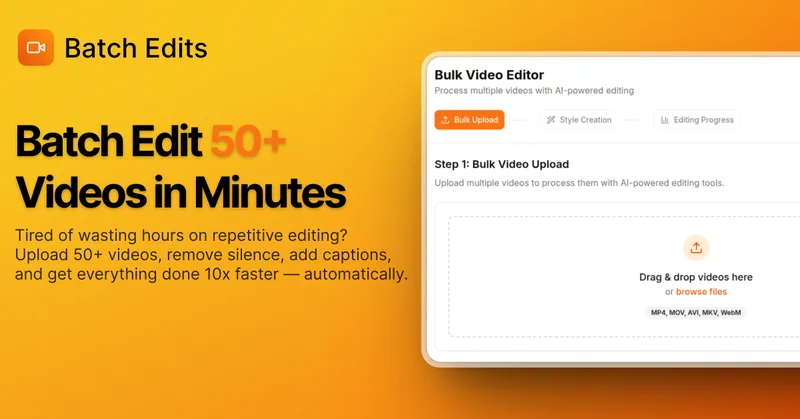
BatchEdits
BatchEdits is a web-based batch AI video editor for content creators that processes up to 50 videos simultaneously to remove silence, add auto-captions in 50+ languages, apply auto-zoom and crop for platform-specific formats, enabling high-volume creators to scale editing work.
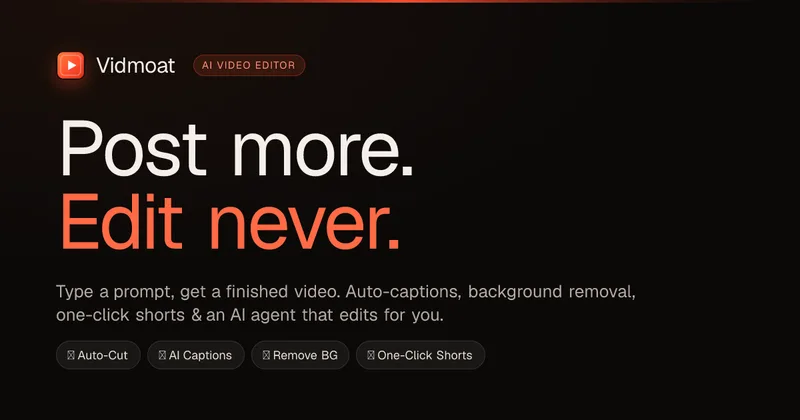
Vidmoat
Vidmoat is an agent-first AI video editor that automates cutting, captions, color grading and multi-format export. Users type a prompt (or connect their own agent) and Vidmoat’s built-in AI or a connected MCP agent produces finished videos ready for TikTok, Reels, Shorts and YouTube.
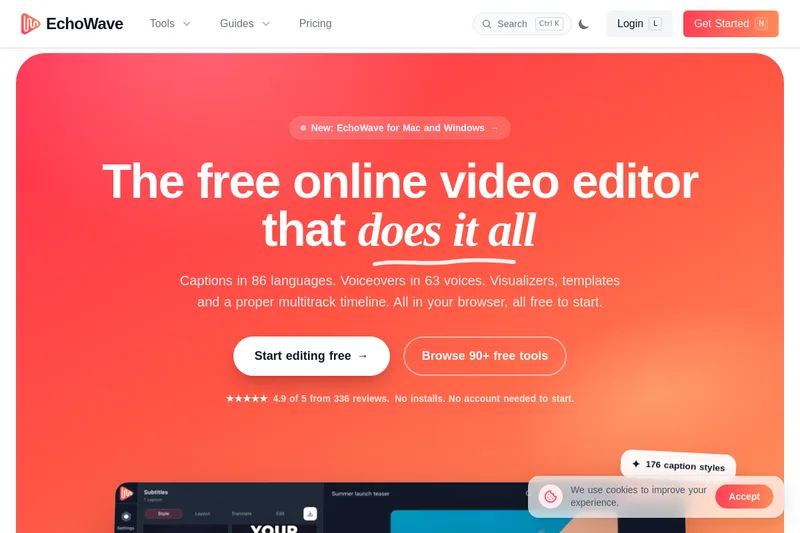

Writepanda
PandaStudio (by Writepanda) is a local-first, agent-native video editor for macOS and Windows that records screen/camera/podcasts and uses on-device transcription and user-provided AI accounts to automate editing, captions, and publishing. It is sold as a one-time license with lifetime updates.
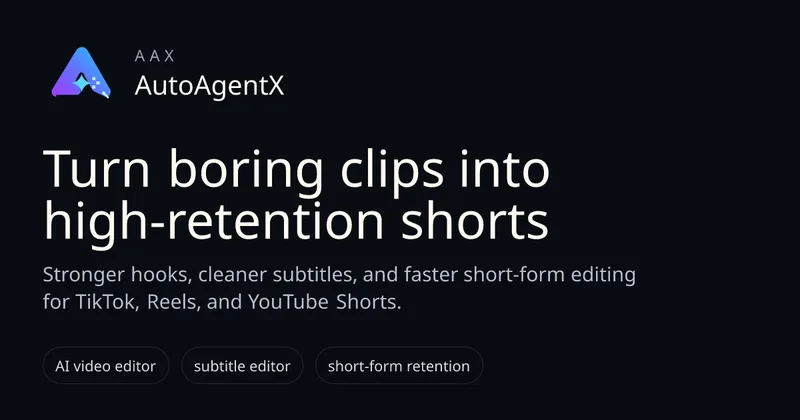
autoagentx
AutoAgentX is an AI-powered video editor focused on improving short-form clips by creating stronger hooks, cleaner subtitles, and tighter pacing to increase retention for creators and teams.

Submagic
Submagic is an AI-powered video editing platform that automates short-form video creation — from auto-captions and one-click edits to magic clip extraction, scheduling, and team collaboration — aimed at creators, teams, and businesses that need to publish shorts at scale.
Eddie AI
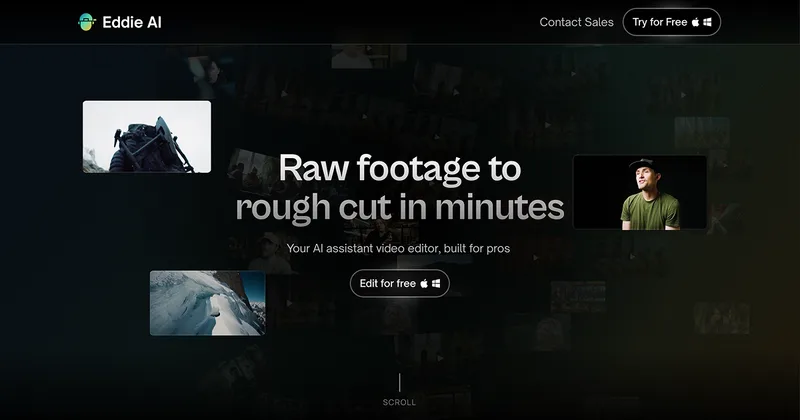
Eddie AI is an AI assistant video editor that turns raw footage into structured rough cuts from plain-language instructions. It also handles tasks such as footage logging, multicam editing, color grading, captions, and music, with exports to professional NLEs.
Premium Alternatives
Tella
Tella is an all-in-one screen recorder and video editor that captures screen, camera, microphone and system audio on Mac, Windows or in the browser, and provides editing, AI-assisted cleanup, hosting, analytics, and team collaboration for sharing or exporting videos up to 4K.
Eddie AI
Eddie AI is an AI assistant video editor that turns raw footage into structured rough cuts from plain-language instructions. It also handles tasks such as footage logging, multicam editing, color grading, captions, and music, with exports to professional NLEs.