
Texture Map Generator
TextureMap.app is a free, in-browser suite of professional texture tools for game developers, 3D artists, and digital creators that generates PBR maps (normal, roughness, AO, height, metallic, etc.), seamless textures, and related converters while processing images locally for privacy.
Texture Map Generator is image & design software teams evaluate for software & gaming. Use this page to review pricing, integration signals, and the best alternatives before you commit.
Profile facts come from the vendor source. AiMatch labels unknown pricing or API details instead of estimating them.
Review official source →Used in These Packs
Quick Overview
Best for: Software & Gaming
What it does
Image & Design software for decision-makers comparing workflow fit and alternatives.
Best fit
Software & Gaming
Pricing snapshot
Free from Free
Next step
Compare Texture Map Generator with similar tools before you shortlist it.
Compare this tool before you shortlist it
Review alternatives, pricing posture, and workflow fit side by side.
TextureMap.app is a browser-based suite of professional texture tools that generate PBR maps (normal, roughness, ambient occlusion, height, metallic, specular, displacement) and seamless tileable textures from user images. It is targeted at game developers, 3D artists, and digital creators who need fast, production-ready texture maps that integrate with standard PBR pipelines. All processing happens locally in the user’s browser so images never leave the device, and core generators are provided free to use.
TextureMap.app is an online, in-browser generator for normal maps, bump/height maps, and seamless tileable textures from your images. Texture Map Generator is a AI Tool featured on Dang.ai. Learn more about Texture Map Generator's AI tool.
Own this listing?
Claim this page for a one-time $29 to add pricing, features, screenshots, verified owner details, and a clearly labeled 30-day category position after the profile is live.
Claim this listing for $29Key Features
PBR Map Generator — Full Set
Generates a complete set of PBR maps (normal, roughness, AO, 16-bit height, metallic) from a single image, previews them together on one mesh, and exports a ZIP at full source resolution. Claims true 16-bit height with no displacement banding.
Normal Map Generator
Converts textures to normal maps with adjustable intensity and smoothing, real-time lighting preview, and optimizations for game engines.
Bump Map Generator
Creates grayscale bump maps with advanced level and contrast controls, multiple output formats, and instant 3D sphere/cube preview.
Roughness Map Generator
Produces PBR roughness maps with matte, polished, and worn presets, output range clamping, and live PBR sphere preview.
Ambient Occlusion Generator
Estimates AO from photos using cone-traced occlusion from luminance with adjustable radius and intensity and a live AO strength preview; exports suitable for Unreal, Unity, and Blender.
Height & Displacement Map Generators
Creates true 16-bit height maps (terrain-ready) and dedicated displacement maps with 16-bit export, live mesh preview, and workflows for Blender and offline renderers.
Specular & Metallic Map Generators
Builds specular reflectivity maps using highlight-based extraction and material presets; isolates metal areas into metalness masks with threshold controls and environment-lit preview.
Seamless Texture Generator
Makes textures tileable using advanced edge blending algorithms, multiple tile size options, and real-time tiling preview for professional-quality results.
Converters
Includes converters such as Bump to Normal, Texture to Normal, and Normal to Bump to support common texture conversion workflows.
Privacy & Local Processing
All processing happens locally in the browser so images are never uploaded—explicitly stated as 100% private.
Pricing
Core generators are free to use in the browser; the site notes they may add paid limits or pro features later.
Free
Free- Access to core generators in the browser
- Local processing (images never leave device)
- PNG export and ZIP export for PBR sets
Use Cases
Game asset creation
Generate PBR maps and tileable textures for game-ready materials that drop directly into Unity, Unreal, or other engines.
3D visualization and rendering
Create high-quality normal, roughness, specular, height, and displacement maps for production rendering in Blender, 3ds Max, and offline renderers.
Terrain and environment authoring
Produce true 16-bit height maps for terrain and landscapes without banding, suitable for terrain workflows.
Rapid prototyping and texture editing
Quickly convert photos or source textures into multiple PBR maps with live previews and immediate export for iteration.
Integrations
Blender
Exported maps are ready to be used in Blender's PBR workflows.
Unreal Engine
Generated maps are ready for Unreal Engine integration.
Unity
Exports are compatible with Unity's PBR materials.
3ds Max
Maps can be imported into 3ds Max for rendering and material authoring.
Benefits
Limitations
Frequently Asked Questions
What is a texture map generator?
Are my images private and secure?
Is TextureMap.app free to use?
What image formats do you support?
What's the difference between normal maps and bump maps?
How do I make a seamless texture?
Can I use the generated textures commercially?
Which engines and tools are supported?
Are my images processed locally?
Getting Started
- 1 Go to https://texturemap.app/ and choose the generator you need (e.g., Normal Map, PBR Map Generator, Seamless Texture).
- 2 Upload a source image in a supported format (JPG or PNG).
- 3 Adjust generator-specific controls (intensity, smoothing, radius, presets, tile size, etc.) while using live previews.
- 4 Export the result as PNG or download the full-resolution ZIP for multi-map exports and import into your PBR pipeline.
Support
Contact via [email protected] for questions or support.
docs
Guides, Glossary, and Blog: Texture Mapping Guide, Texture & PBR Glossary, and tutorials available on the site.
contact page
Site includes About and Contact links for additional information.
API
Compare Texture Map Generator with similar tools
See how it stacks up against alternatives
Related Tools
View all 386 →

Sketchtoimage
SketchToImage is a web app that transforms hand-drawn or uploaded sketches into styled images using AI, with options to upscale outputs and convert images into short videos.
Aithumbnail
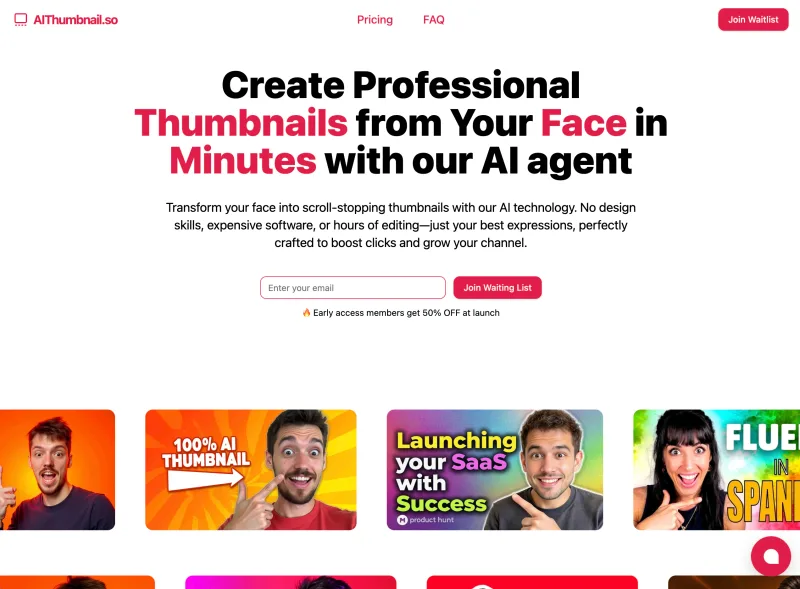
AIThumbnail.so is an AI-powered thumbnail maker for YouTube and creators that generates high-converting thumbnails in under a minute, offering features like Replica Mode, one-photo face integration, and AI smart suggestions to boost CTR and views.
LetsEnhance
LetsEnhance is a web-based AI image enhancement platform that upscales, sharpens, restores, and improves image quality for print, web, AI art, and product photography using machine learning models and business APIs.
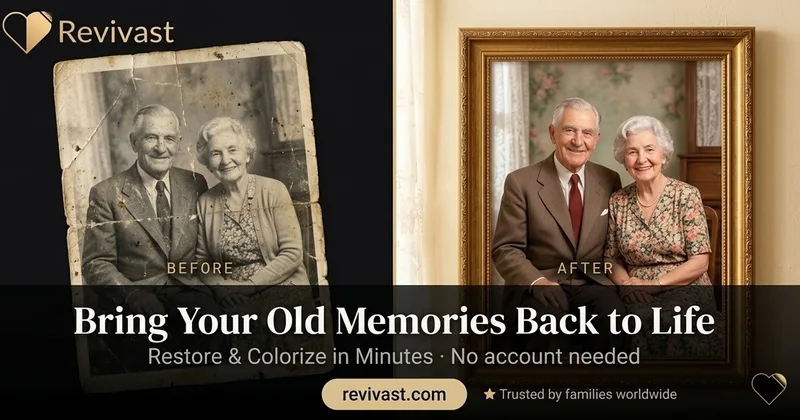
Revivast
Revivast is an online professional photo restoration and colorization service that uses AI-enhanced workflows combined with human review to repair, enhance, and naturally colorize damaged, faded, or black-and-white photographs for digital download and optional framed prints.
Scribble Diffusion AI
Scribble Diffusion AI is a web app that converts user sketches into refined images using AI, offering a simple interface for drawing or uploading sketches and generating high-quality images with credit-based plans.
Cartoonize
Cartoonize (by Colorcinch) is a one-click online photo-to-cartoon and photo editor that uses AI-powered effects and specialty filters to convert photos into cartoons, sketches, paintings, avatars and other stylized artwork.
Premium Alternatives
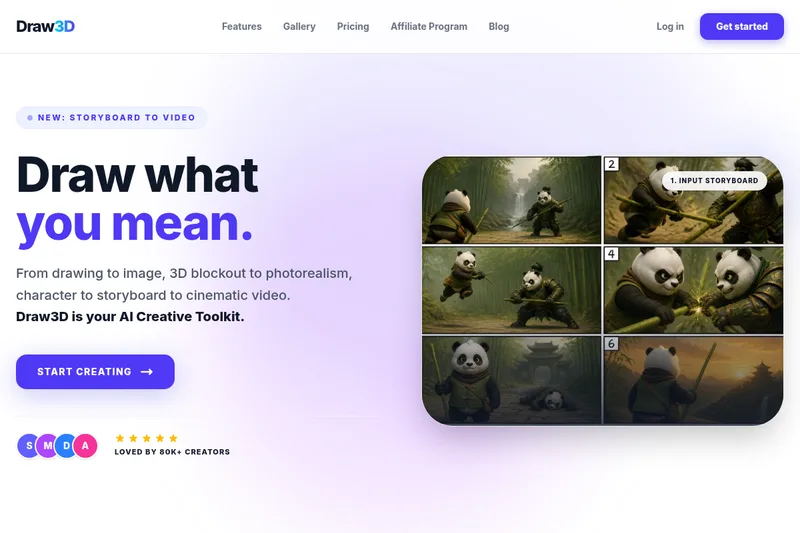
Realistic AI
Realistic AI is a web-based generator and editing suite for photorealistic images and videos. Users can create from text prompts or photos, choose from multiple AI models, and use additional tools to humanize, restore, upscale, or retouch images.


Createacaricatureofme
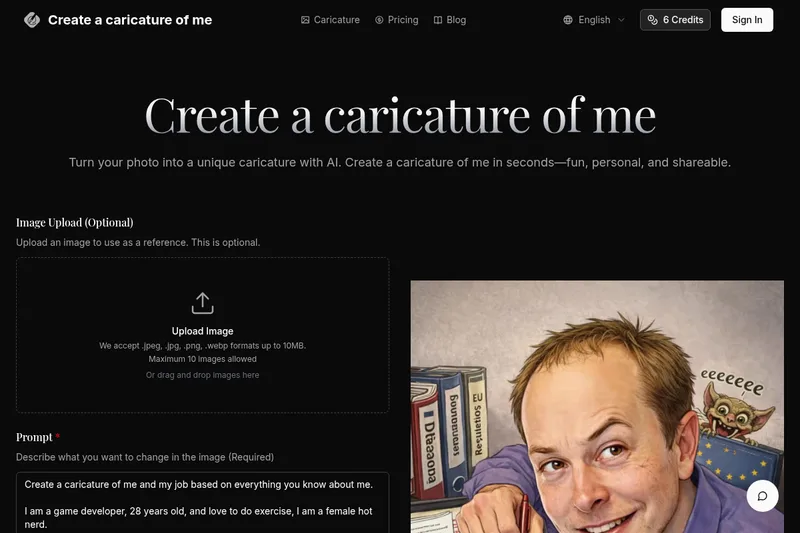
Create a Caricature of Me is a web-based AI image tool that turns user photos into personalized caricatures in seconds. Users can upload images, provide a prompt, choose AI models and output formats, then generate and download stylized caricatures for social, personal, or light professional use.
Ghibli Art Generator
Ghibli Art Generator is a web-based AI tool that transforms user photos into Studio Ghibli–inspired artwork using a proprietary deep-learning style generator, offering multiple film-style filters, batch processing, and downloadable high-resolution outputs.

drawingpics
DrawingPics is a native macOS app for Apple Silicon that converts sketches into photorealistic or stylized images in real time using Core ML and the Apple Neural Engine. It runs fully offline, is available as a one-time purchase, and targets creators and small studios.
Prophotos
ProPhotos is a commercial AI-powered headshot generator that creates photorealistic, industry-specific professional headshots from user-uploaded photos, aimed at individuals and enterprises wanting quick, production-ready portraits for LinkedIn, resumes, and corporate use.